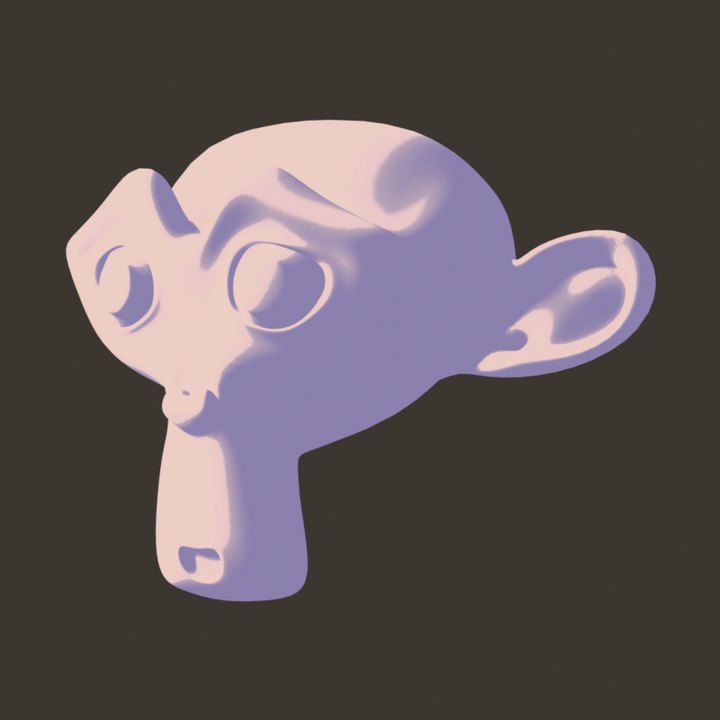
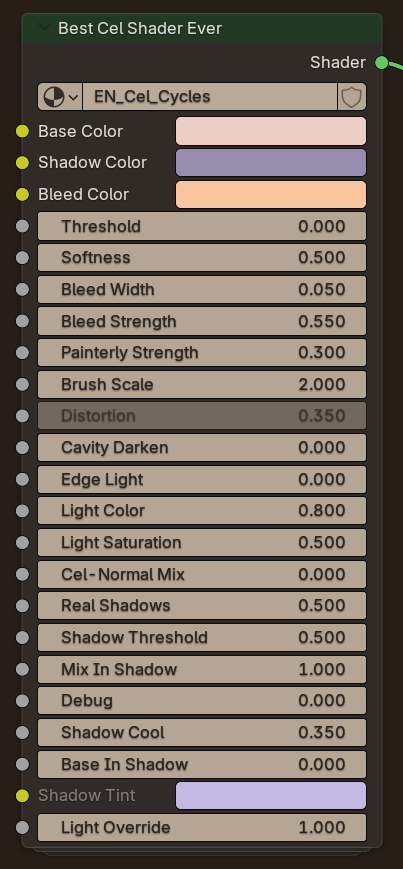
Best Cel Shader Ever
The signature Ensō look. Soft warm-to-cool falloff, a light bleed band, painterly facets and up to three live coloured lights, with cast shadows in EEVEE.
円相
Anime and NPR rendering built into Blender 5.3. Native ink lines, curvature, drips and hatching in EEVEE, with music video titles and an interface tuned for anime work.
Ensō NPR Pack
The Ensō NPR Pack brings every Mix 3D Design cel shader into one library. Pick a style, press Apply, and it works on any object with no UVs needed. Each style is a single node with its own controls, so you can tweak it right in the shader editor.
Every render below is the same Suzanne under the same light, with only the style changed. Use Show node on any card to see that style's node.
The signature Ensō look. Soft warm-to-cool falloff, a light bleed band, painterly facets and up to three live coloured lights, with cast shadows in EEVEE.
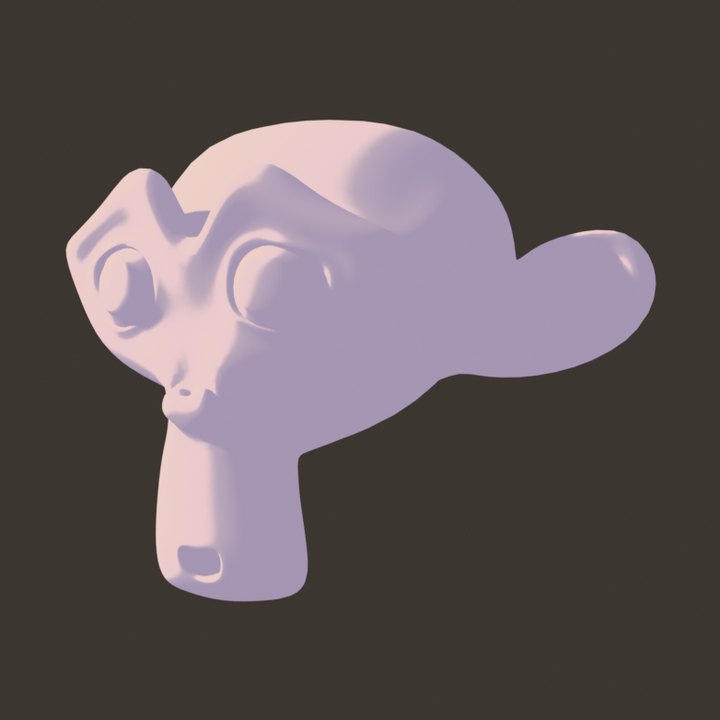
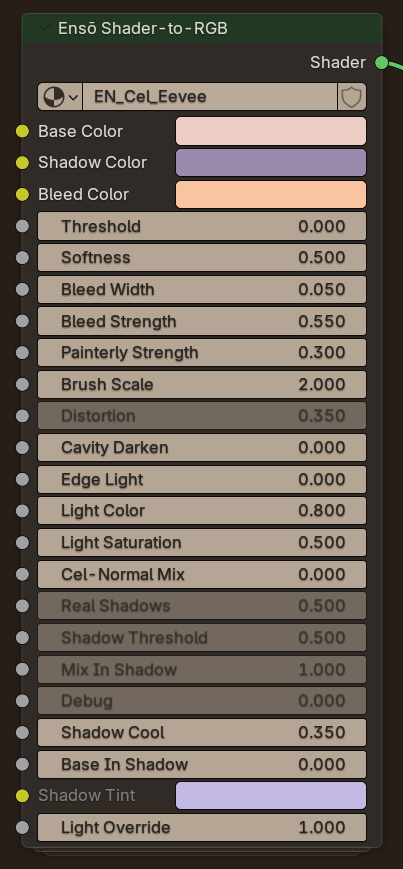
The Best Cel Shader look driven by every real light in the scene through Shader to RGB, with native cast shadows.
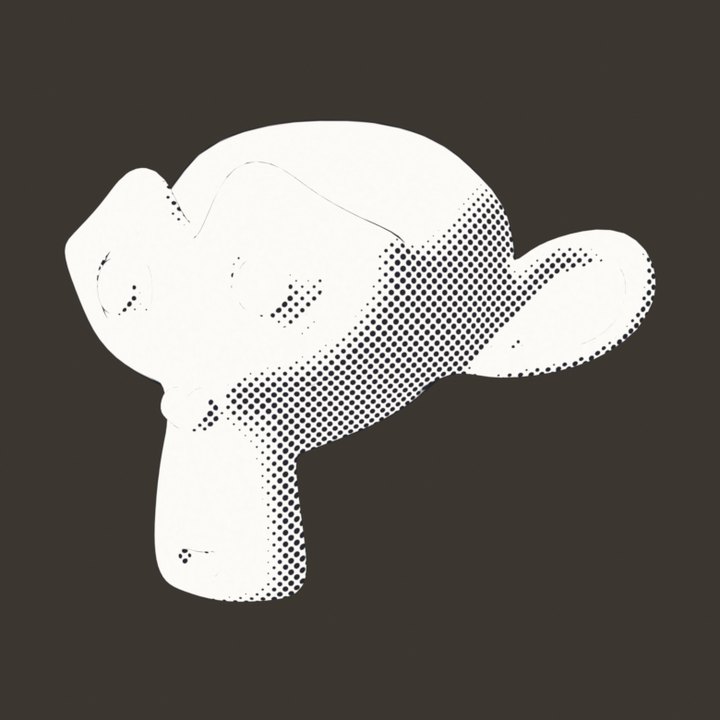
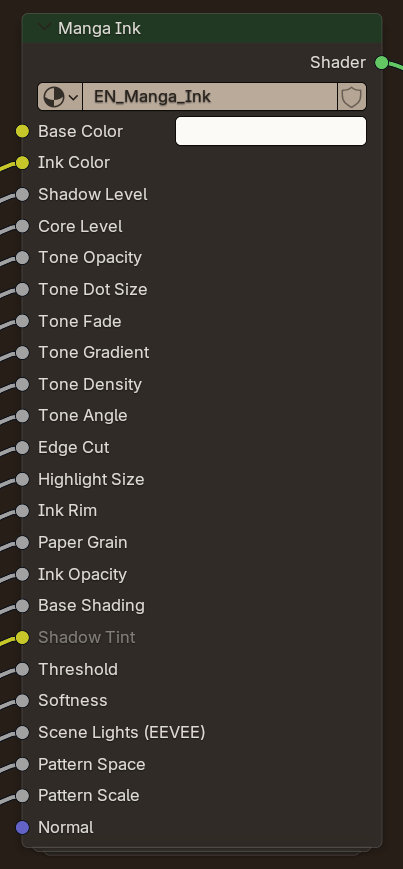
A black and white manga page. Clean paper in the light, flat screentone in the shadow, a white highlight and contour ink.
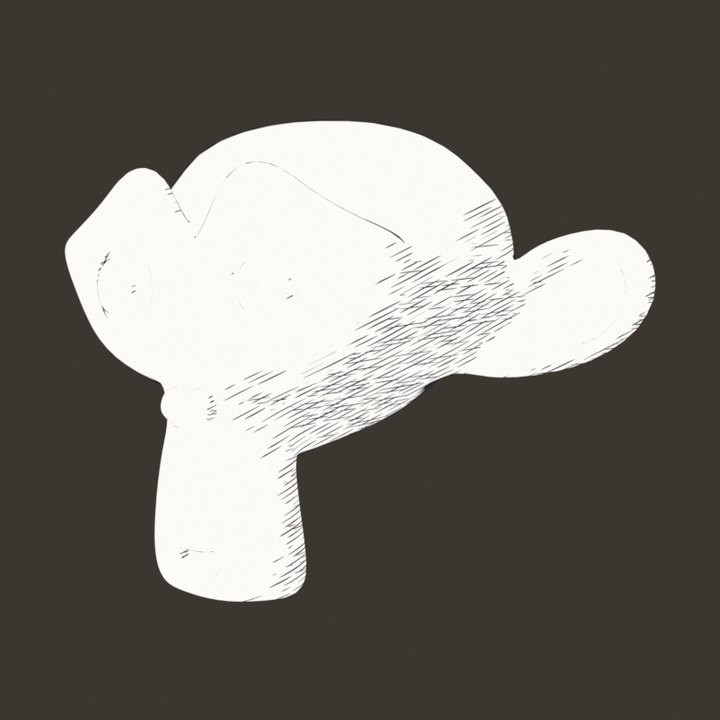
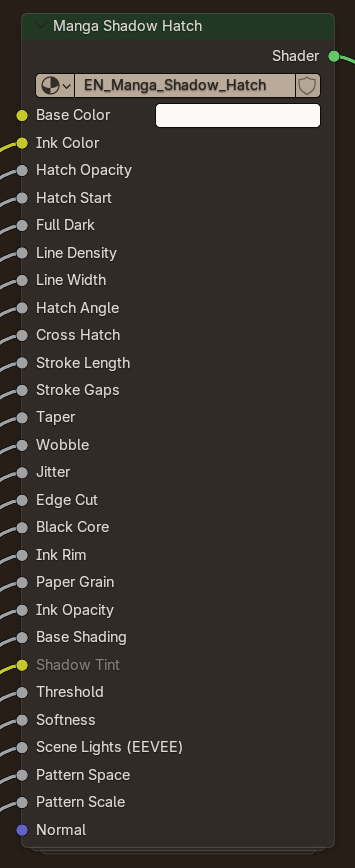
Shonen manga shading. Solid black shadows edged with a band of tapered pen strokes that follow the light.
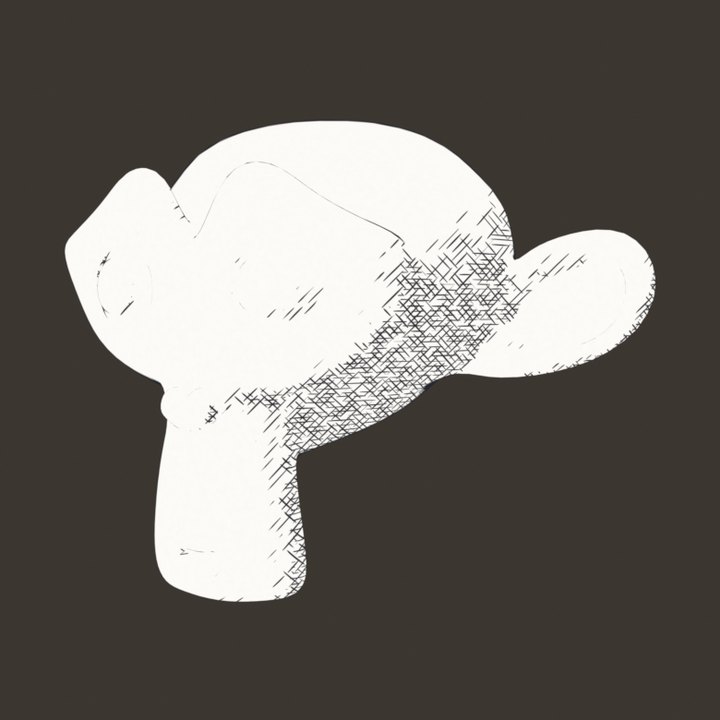
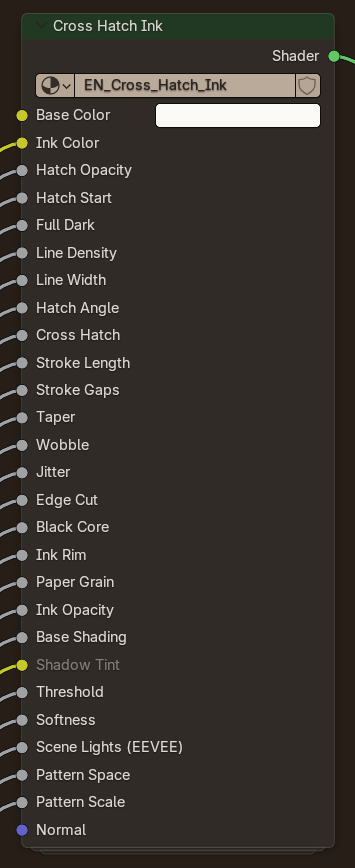
Pen and ink cross hatching. Up to three line layers build up as the light falls off, and react to every light live.
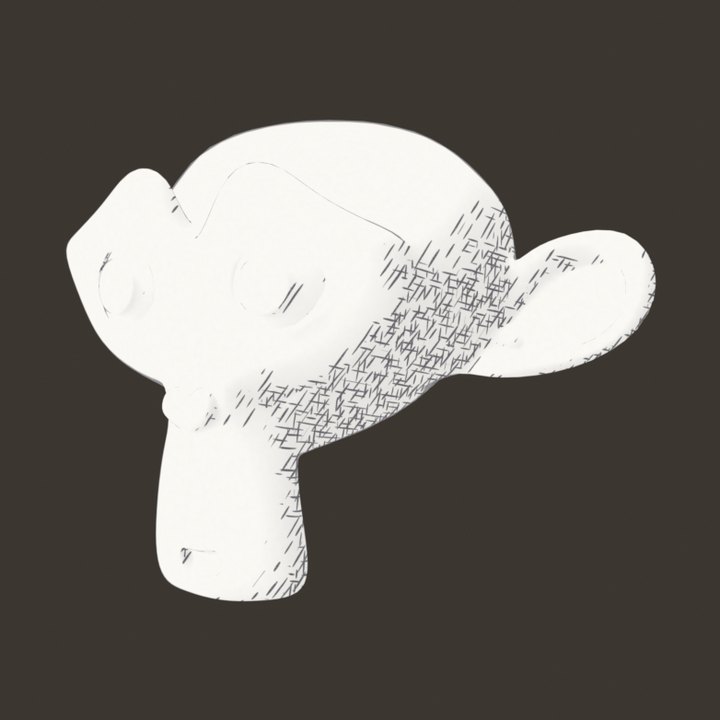
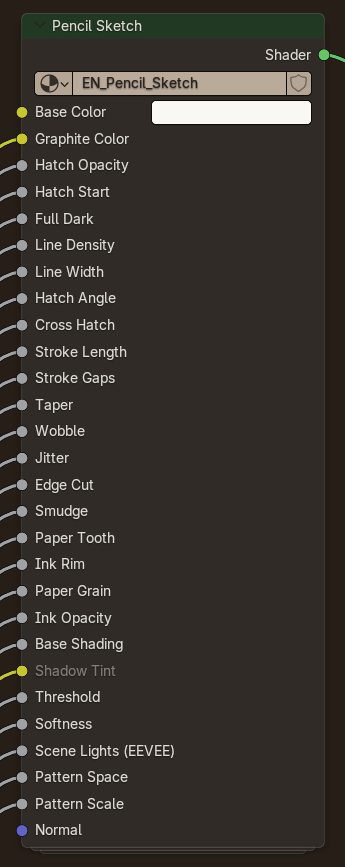
A graphite sketch with wobbly hatching, uneven pressure, smudged tone and paper tooth.
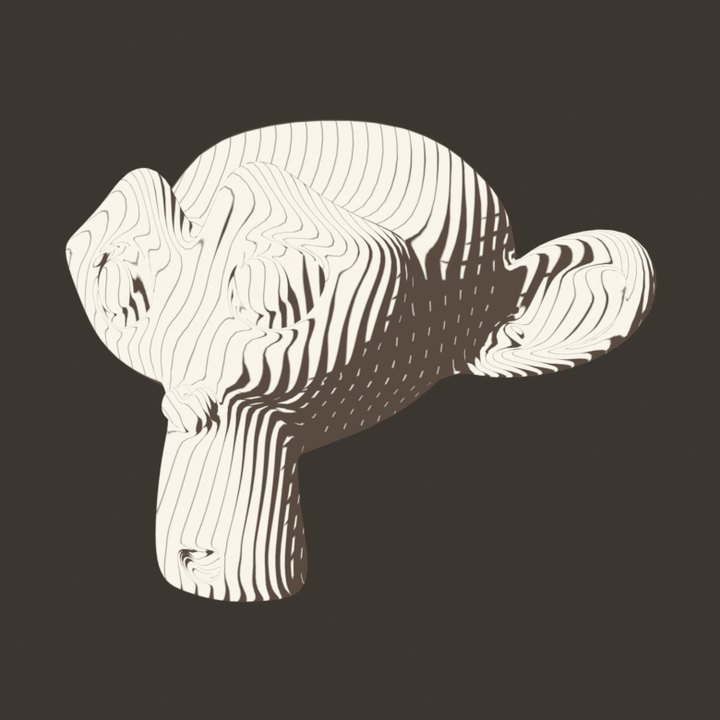
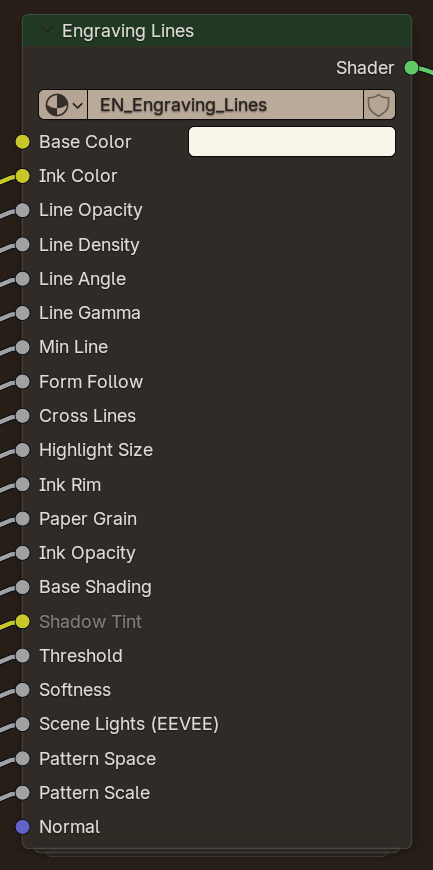
Banknote and woodcut engraving. One line direction, with line weight following the light and lines bending with the form.
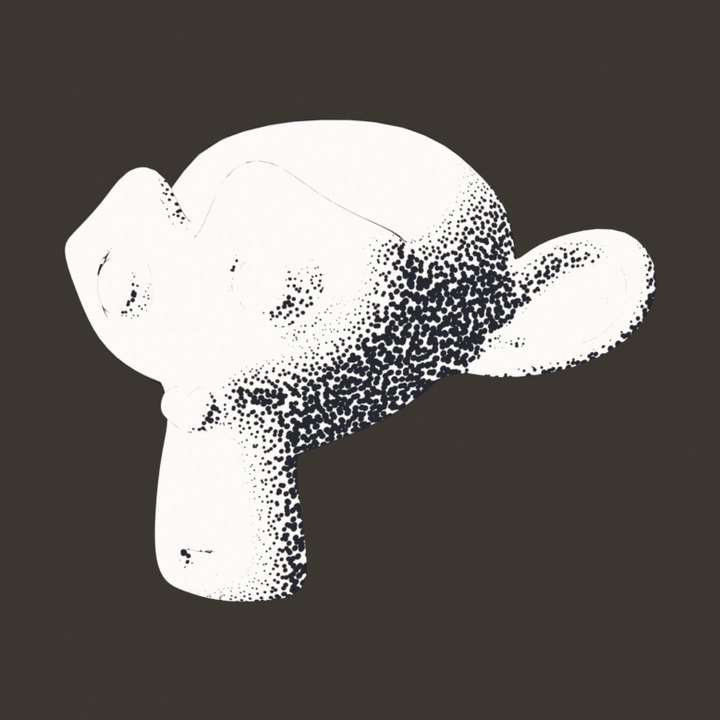
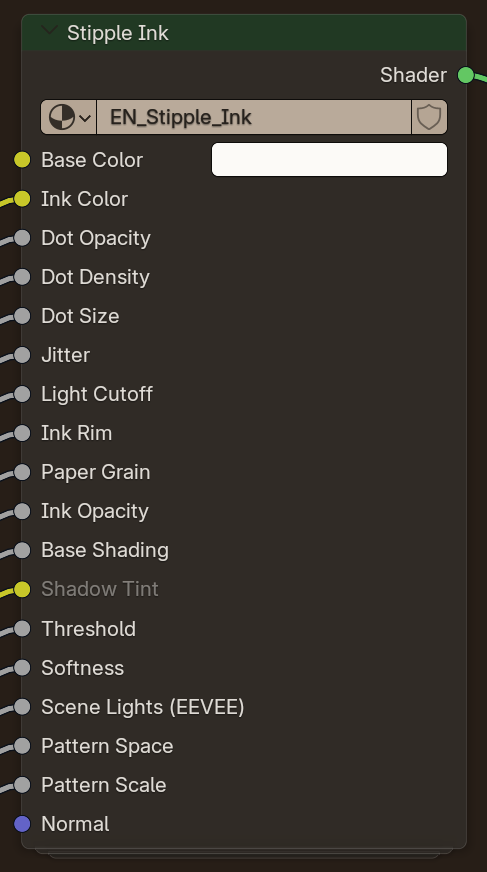
Pointillism. Ink dots crowd together in the shadows and fade out in the light.
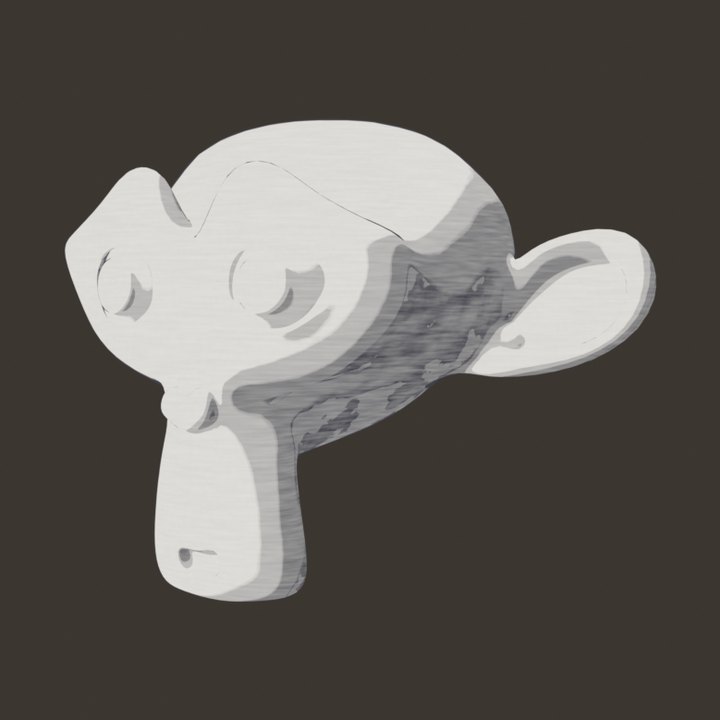
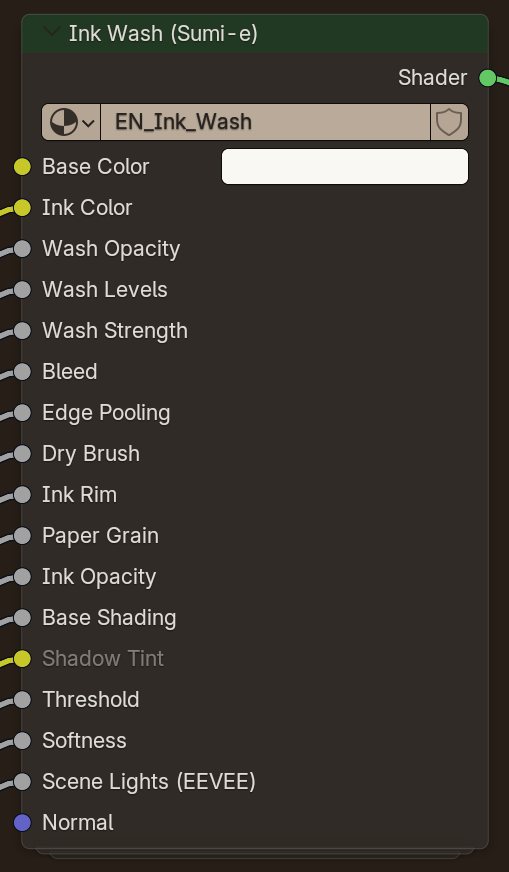
Japanese sumi-e with layered wet ink washes, bleeding and pooled edges, dry brush streaks and a brushy contour.
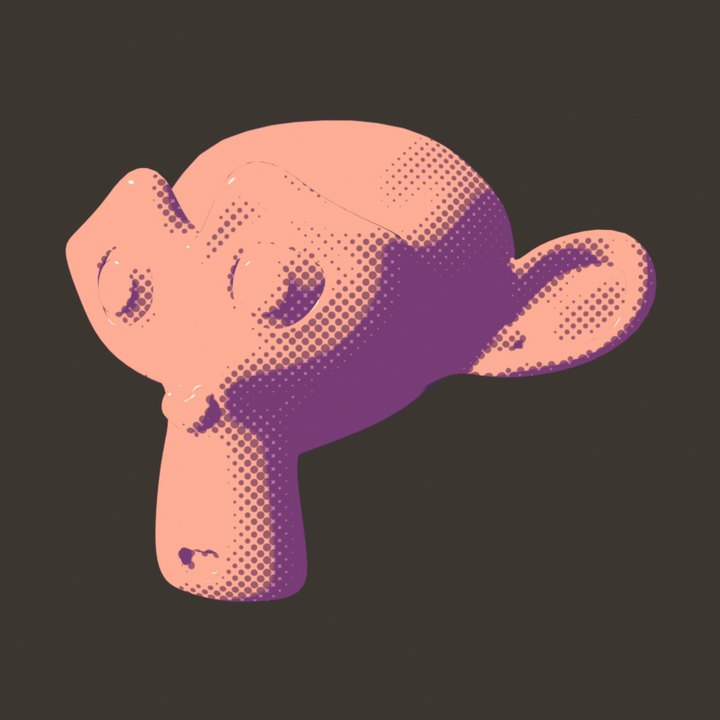
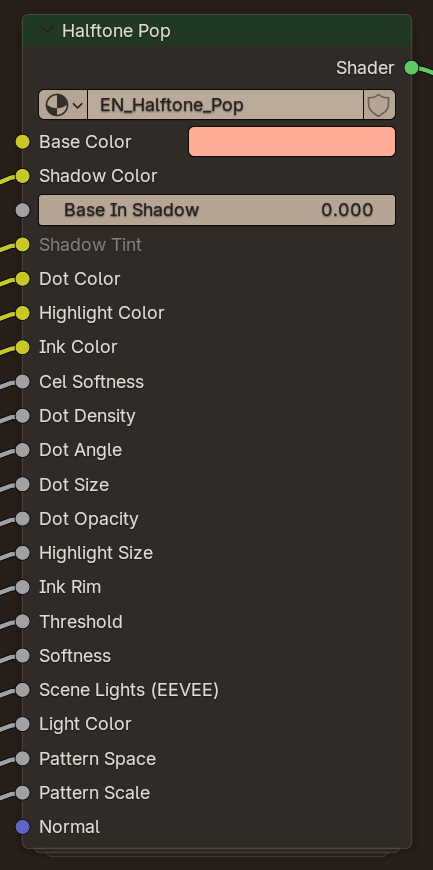
Pop-art comic print. Flat cel colour, halftone dots that grow into the shadow, a hard highlight and contour ink.
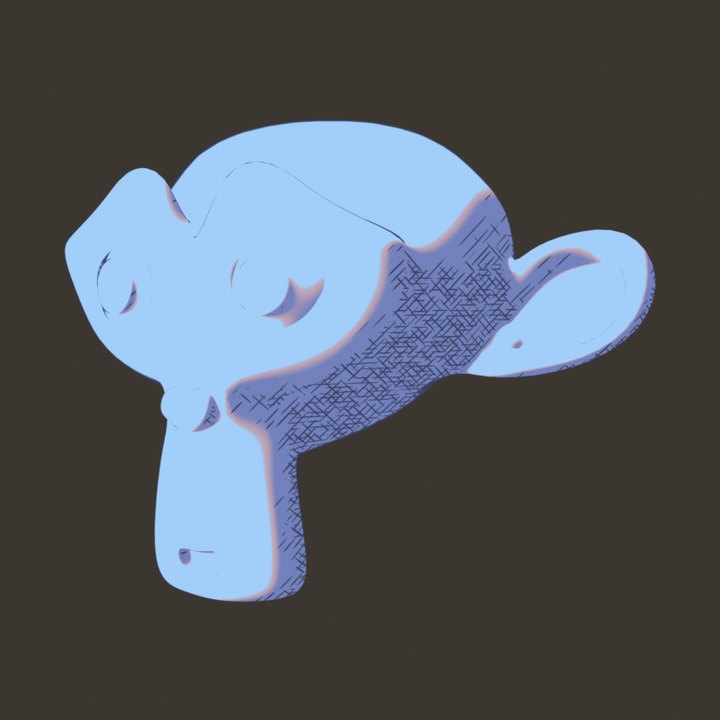
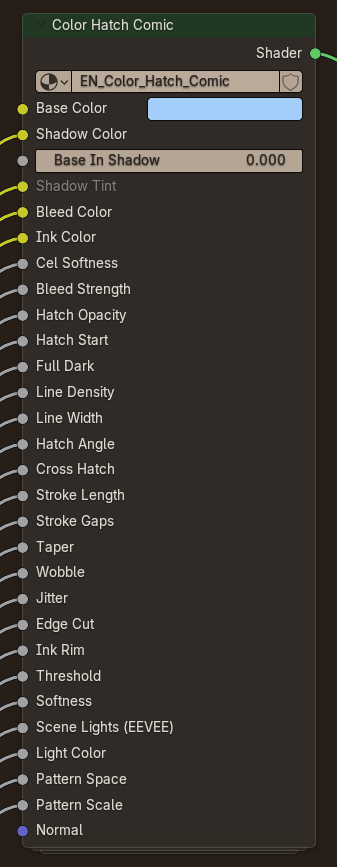
Western comic colour. Flat cel with a warm bleed band, and ink hatching only inside the shadows.
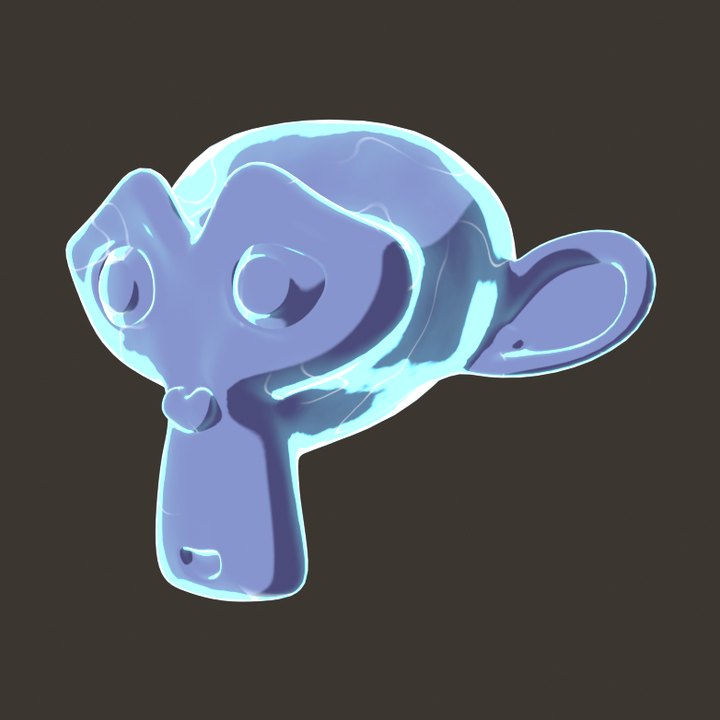
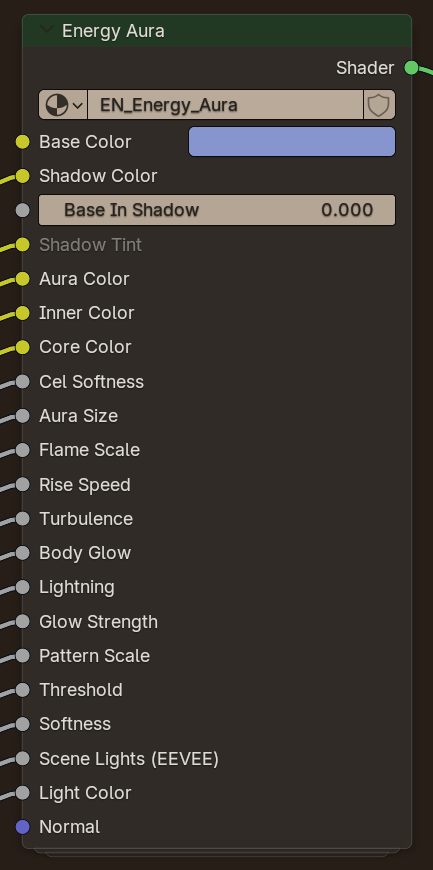
An anime power-up aura. Rising toon flames in three hard bands around the silhouette, energy spill and flickering arcs that play on the timeline.
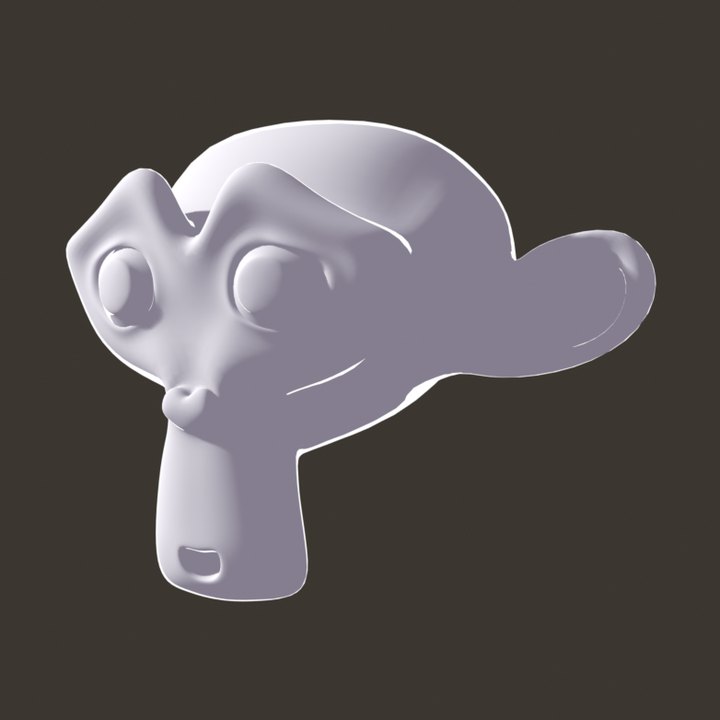
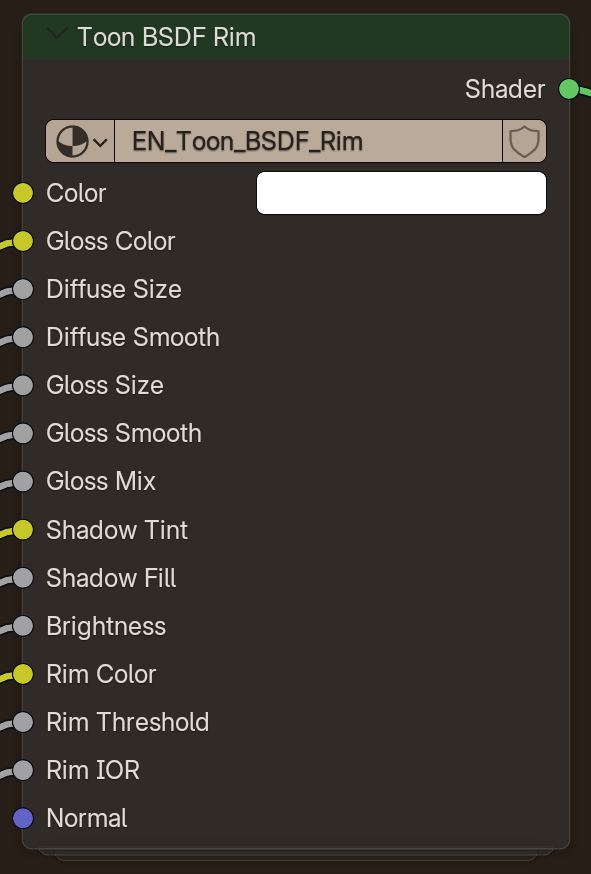
Real Toon BSDF diffuse and glossy with a Fresnel rim, lit by every light in the scene.
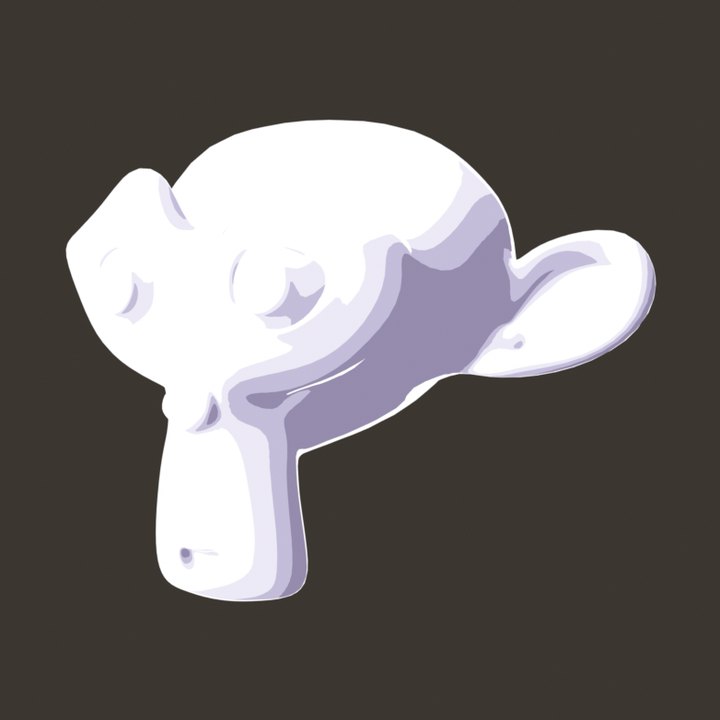
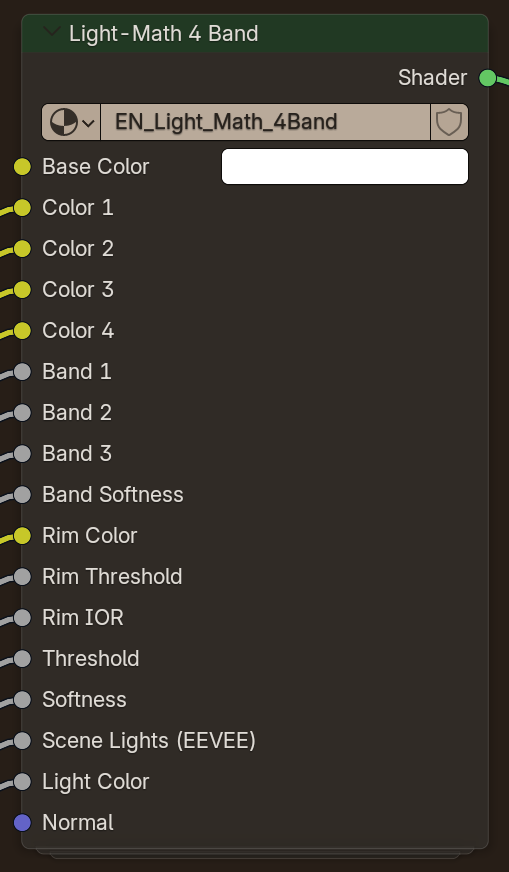
Light math into four hard colour bands with a Fresnel rim.
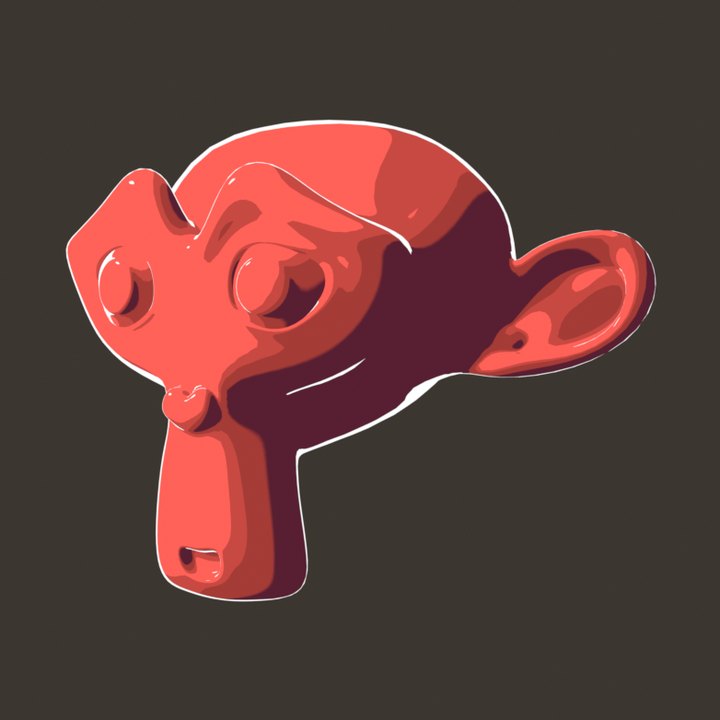
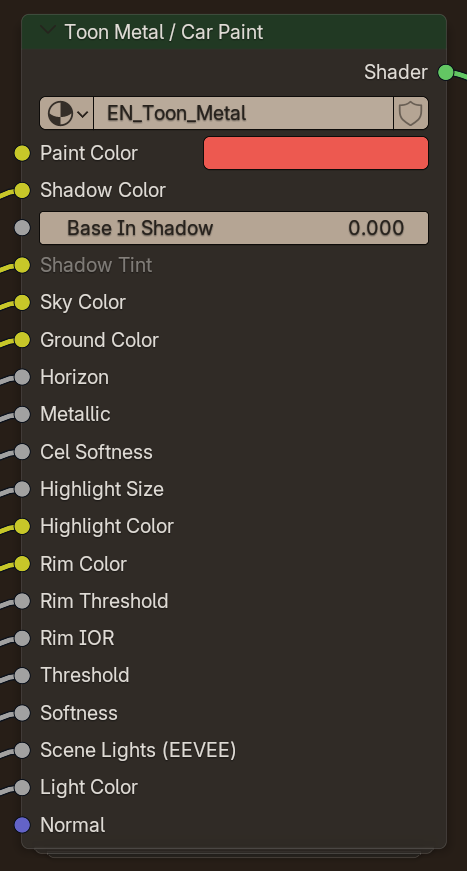
Banded horizon reflections over cel paint with a hard highlight. Made for cars and armour.
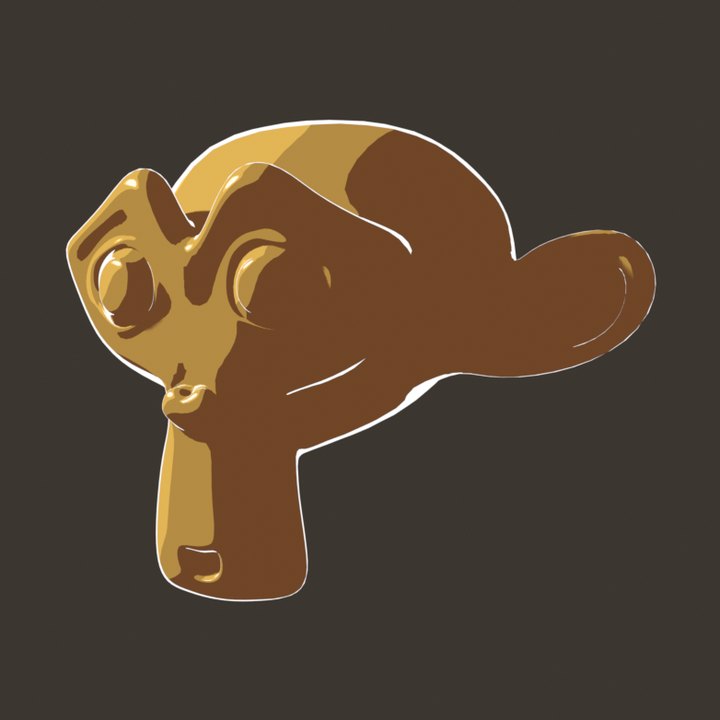
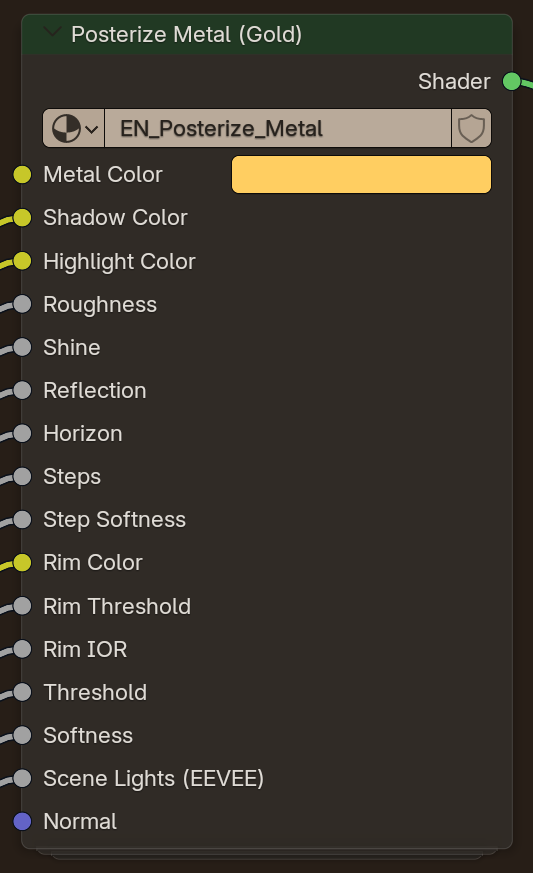
Shiny posterized metal, gold by default. Roughness sets the highlight over banded reflections.
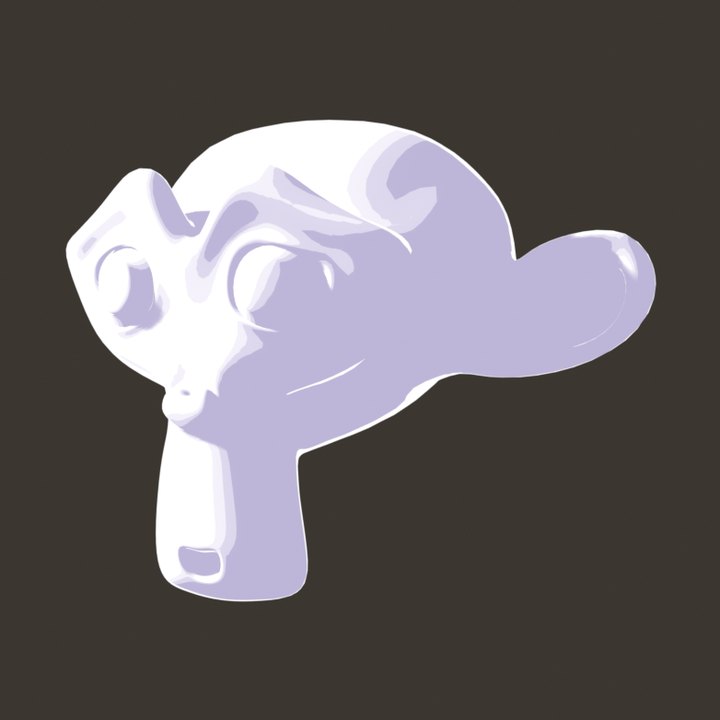
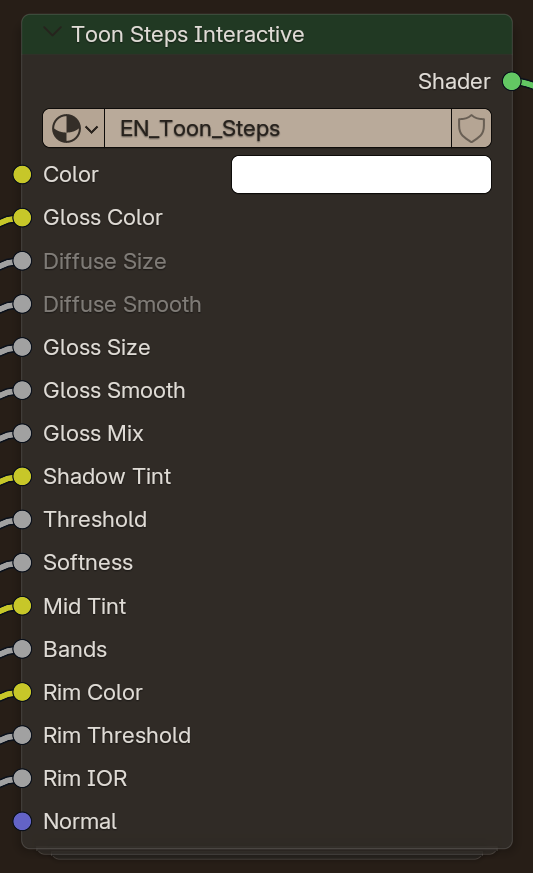
Toon BSDFs through Shader to RGB into four clean light bands.
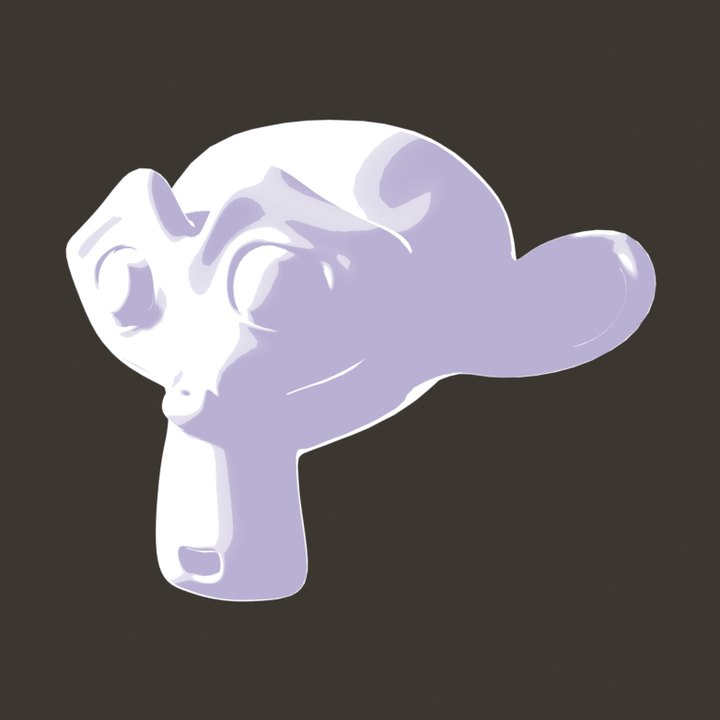
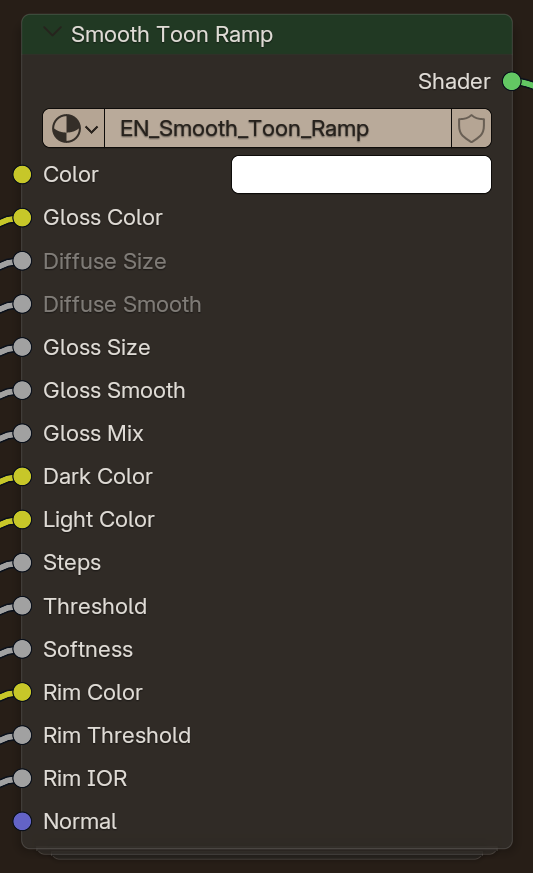
Stepped real light mapped onto a dark-to-light colour ramp, with a rim.
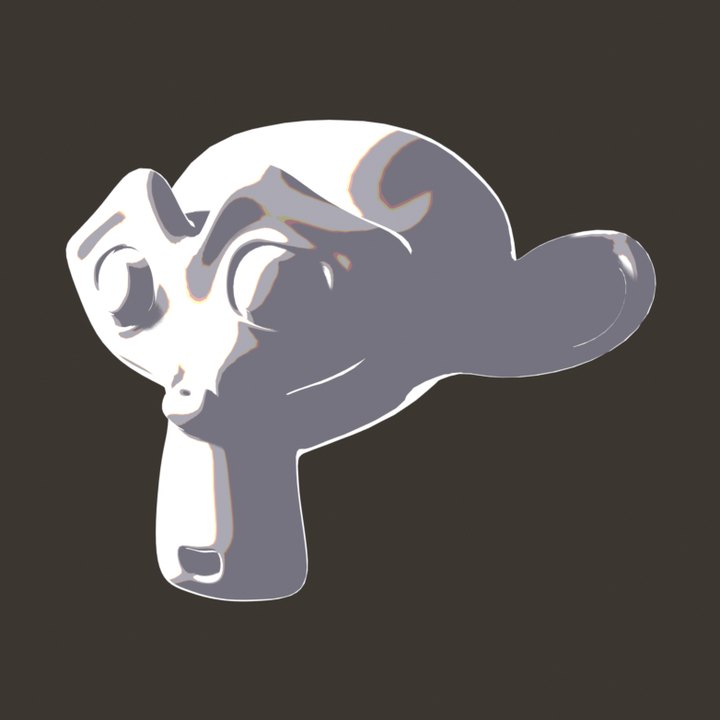
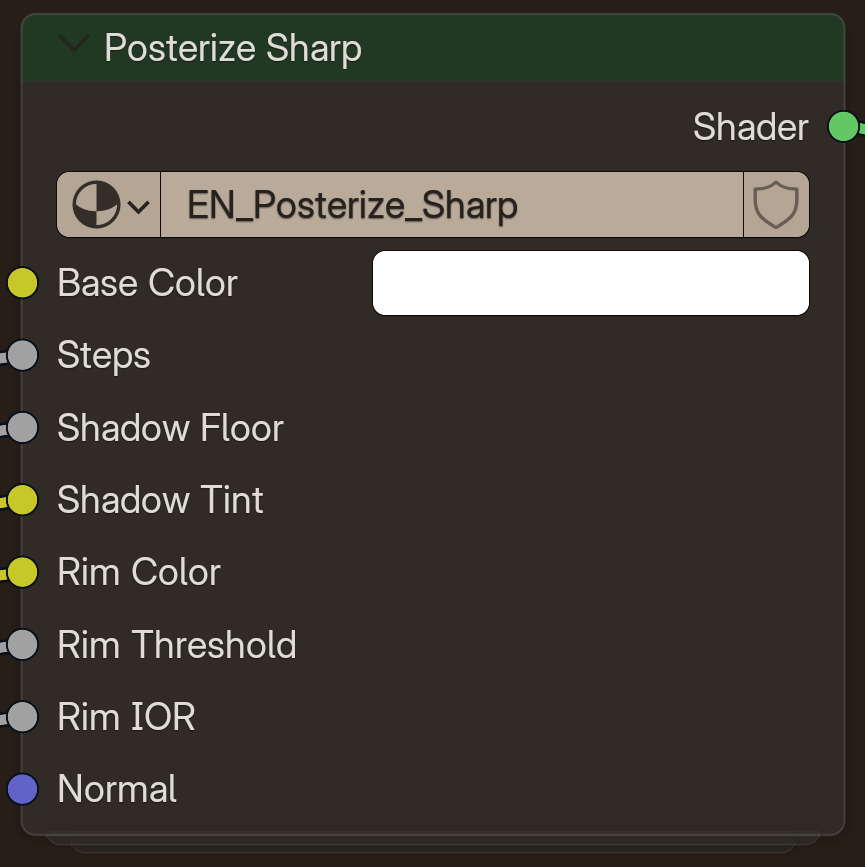
Real light posterized per colour channel, so coloured lights stay coloured.
The cel shaders are part of the Ensō NPR Pack, a paid add-on for Ensō Engine. The free engine includes the native nodes and MV Text shown on this page.
Ensō NPR Pack
Beyond the cel shaders, the pack adds one-click tools for whole scenes. Everything here was added with the pack's own Add menu items and rendered in Ensō.
A full procedural anime sky in your World: painted cumulus, sun and moon lights, stars and time of day. Pick a look from Add › NPR in the World shader editor and the whole sky changes. Ten looks are included, each shown here over the Anime Ocean.
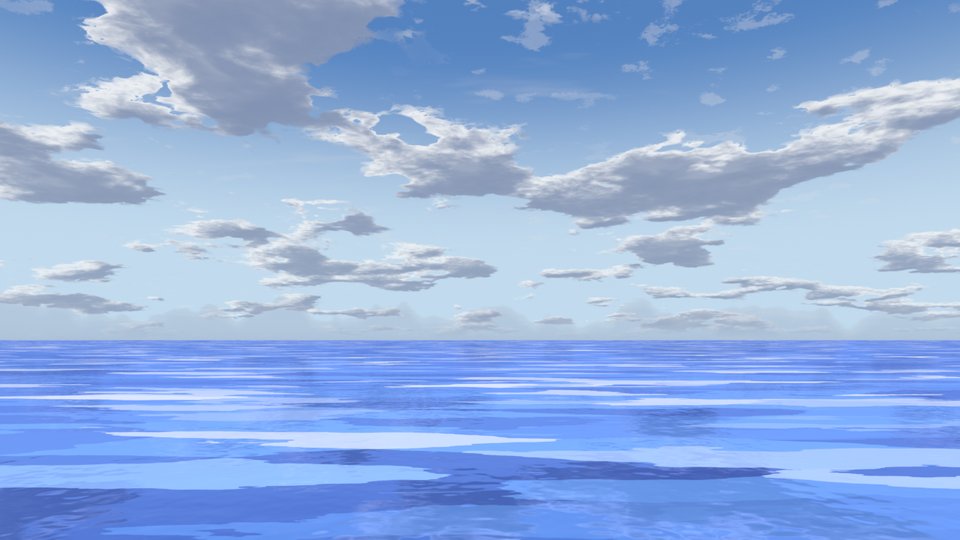
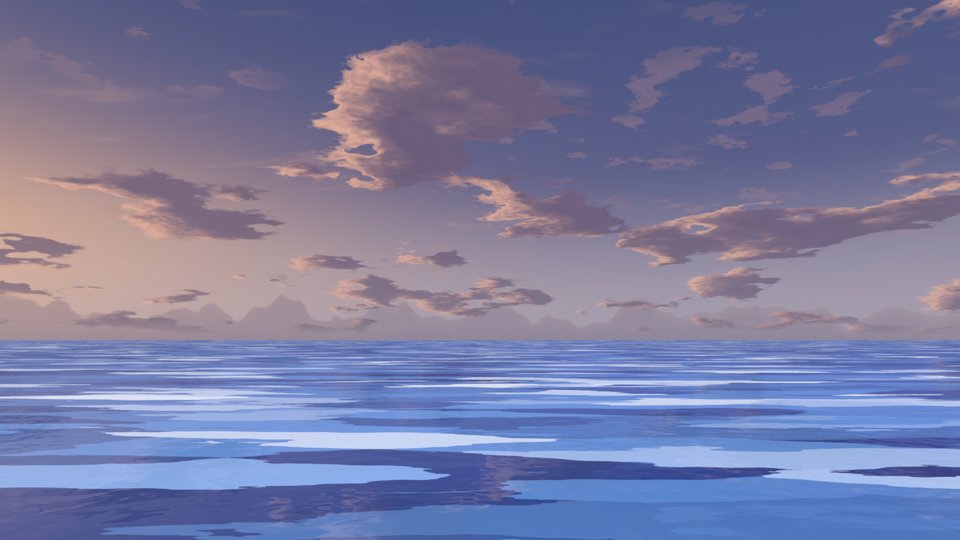
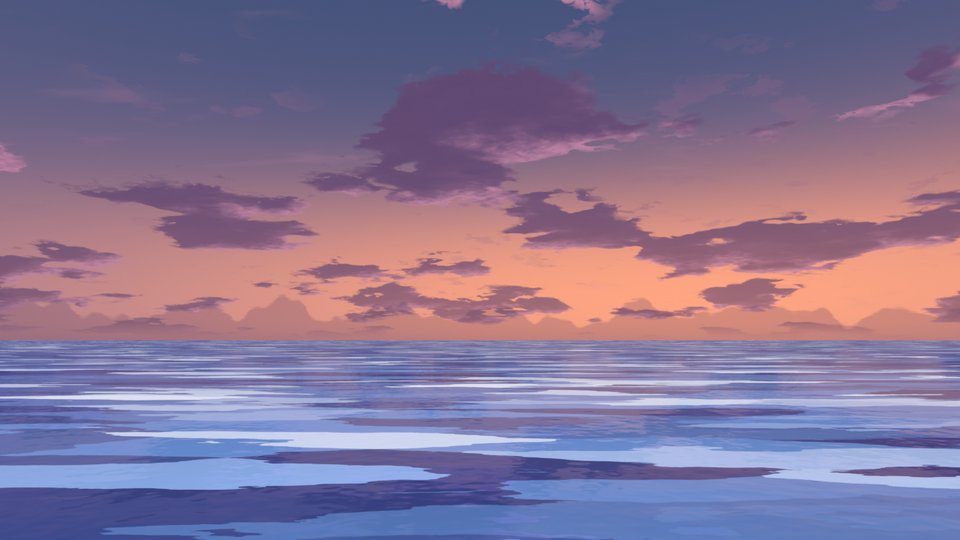
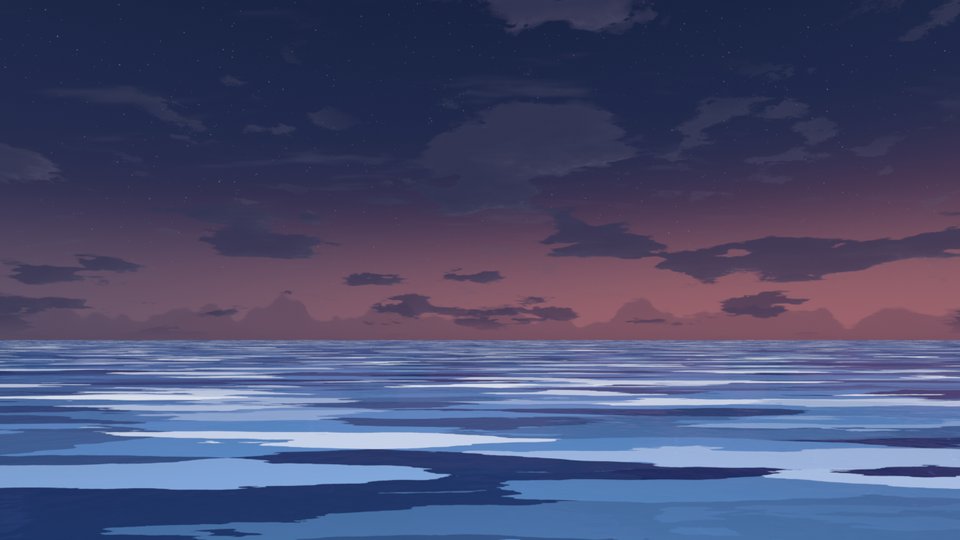
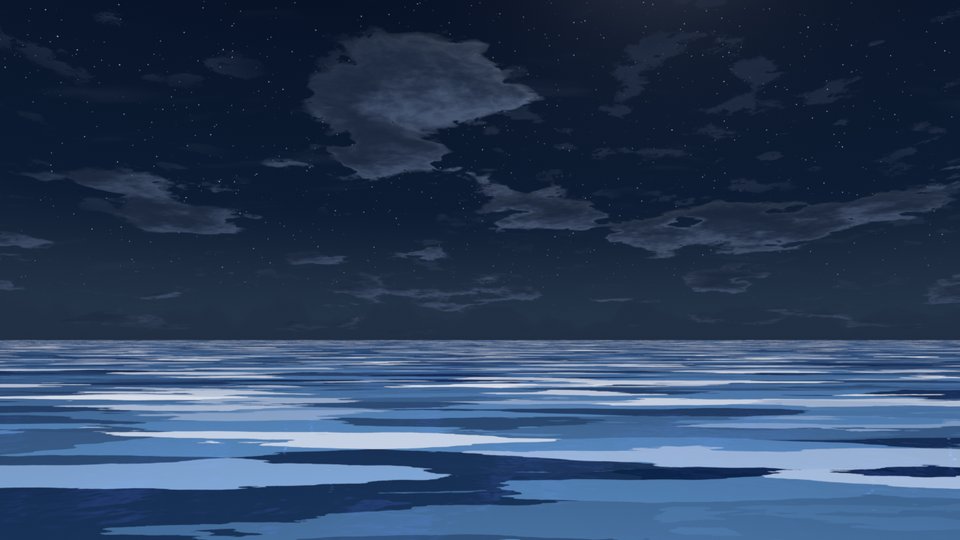
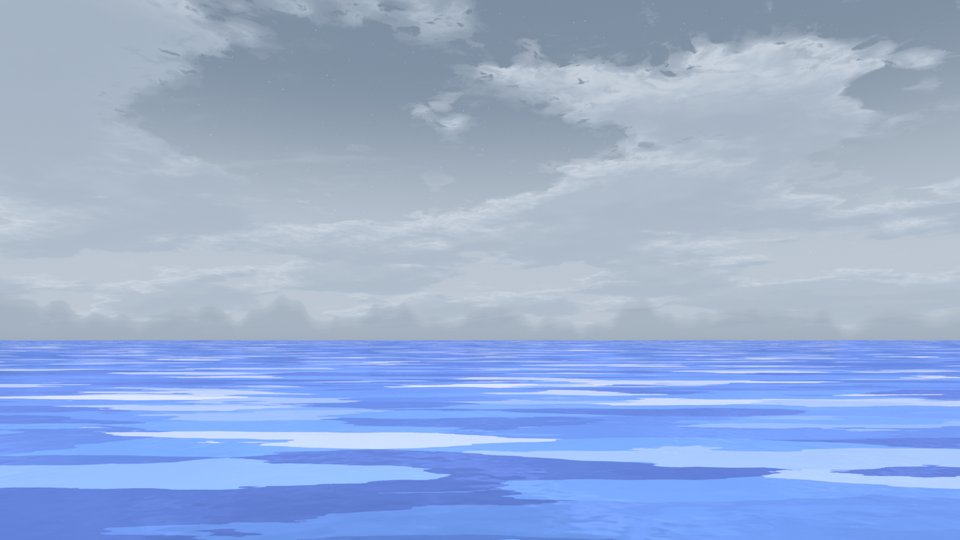
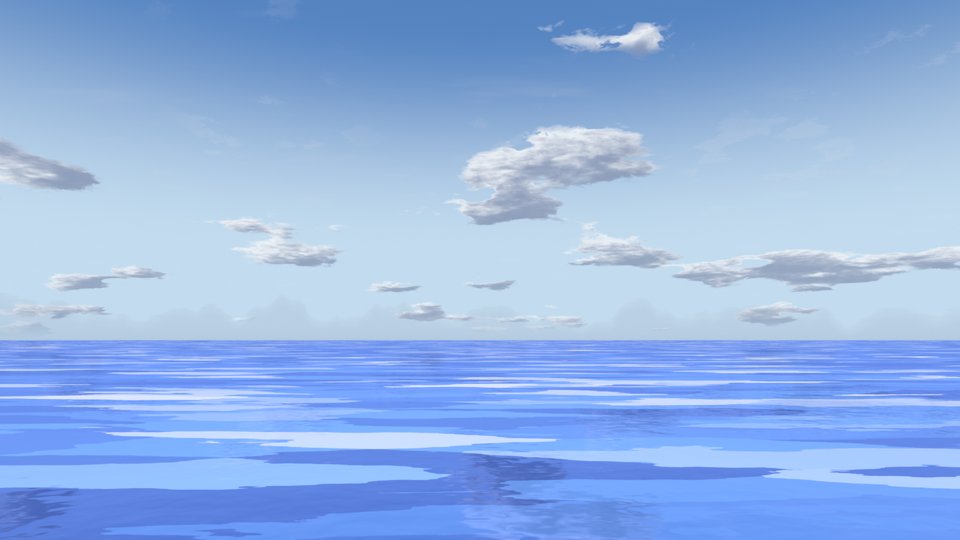
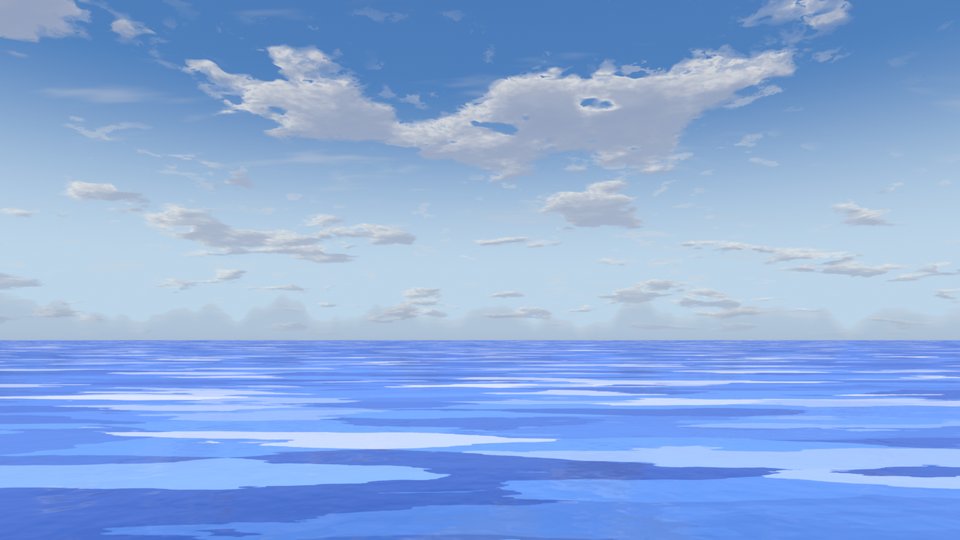
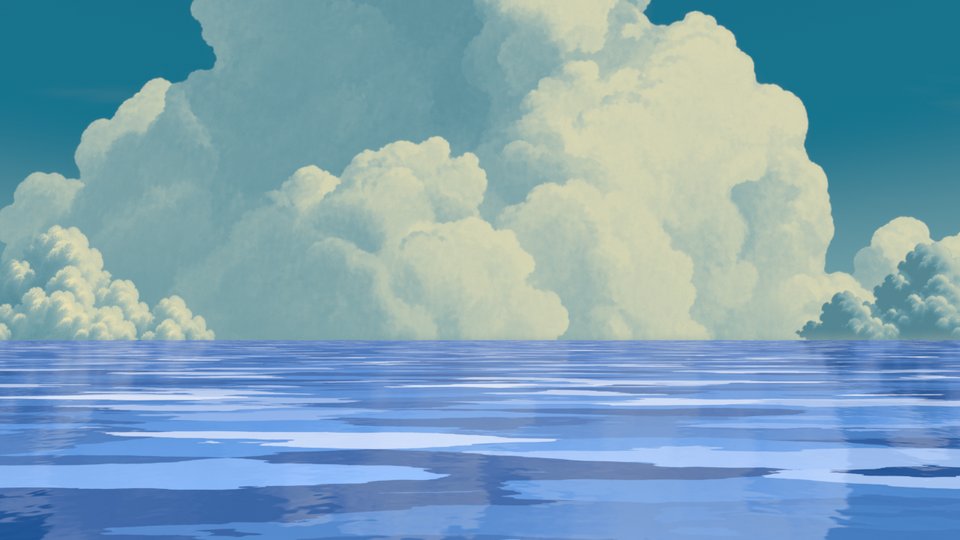
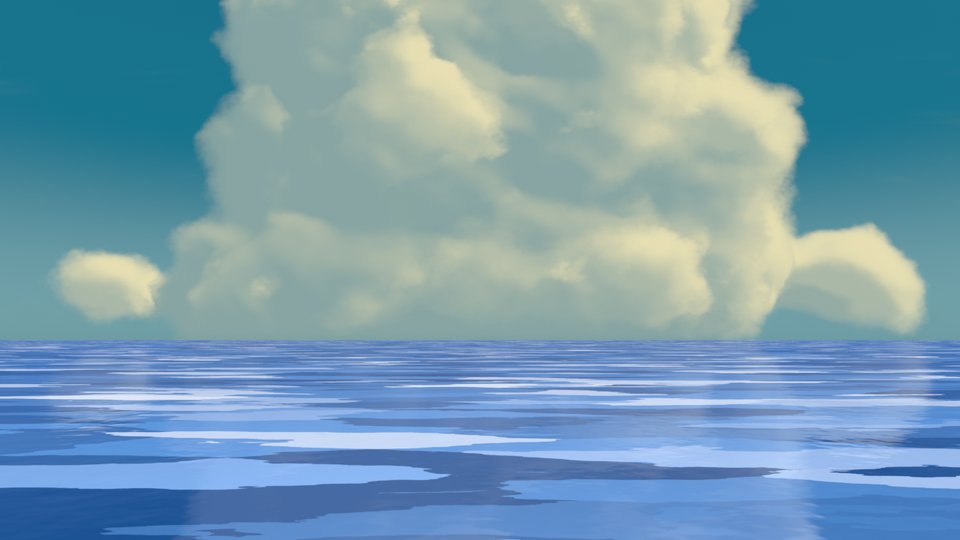
A stylized ocean with flat painted wave bands and planar reflections of the sky. Added in one click from the Ensō menu, sized to reach the horizon.
Falling rain streaks, puddle splashes that play once and fade, and ripples, with an optional wet tiled ground. All the controls sit on one modifier.
Flattens a mesh toward the active camera while keeping its shading, the classic trick for 2D-looking characters and props. You can limit it to one vertex group, so only a face or a strand of hair goes flat.
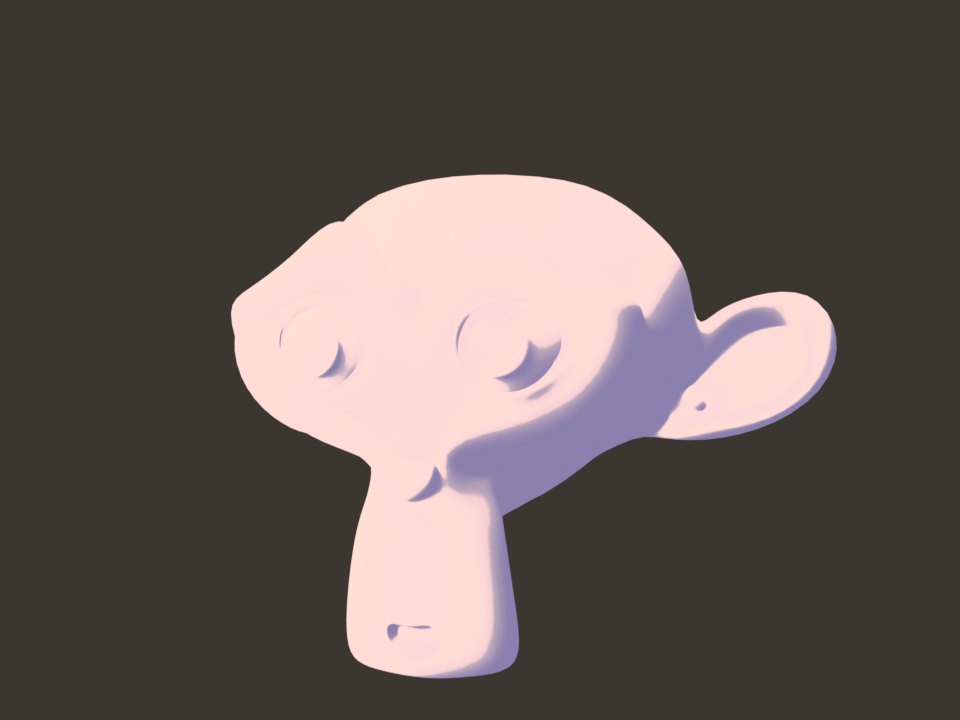
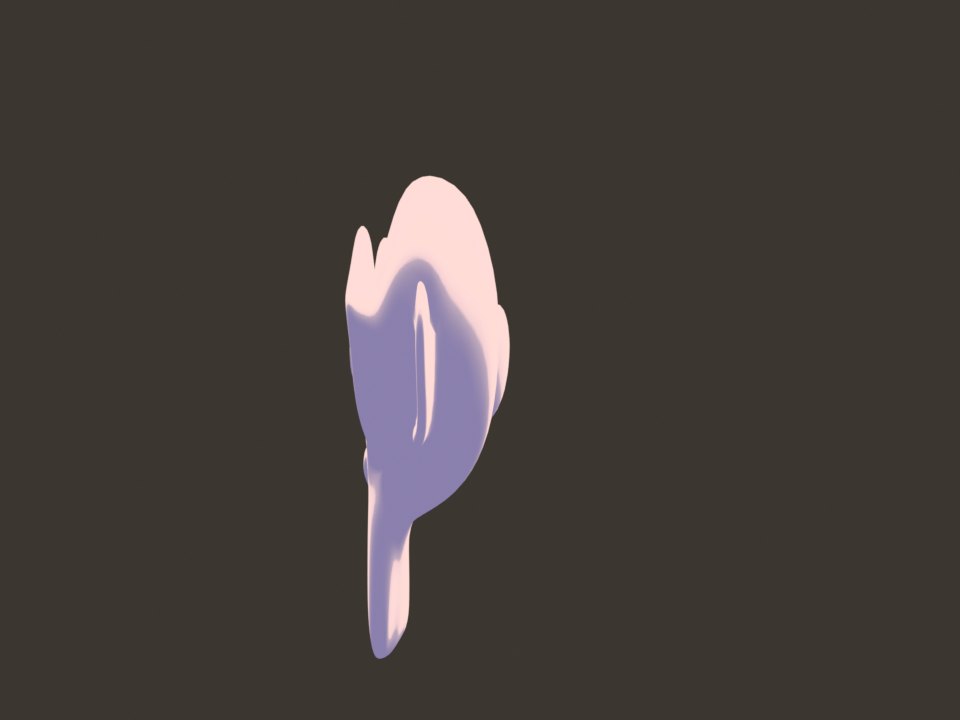
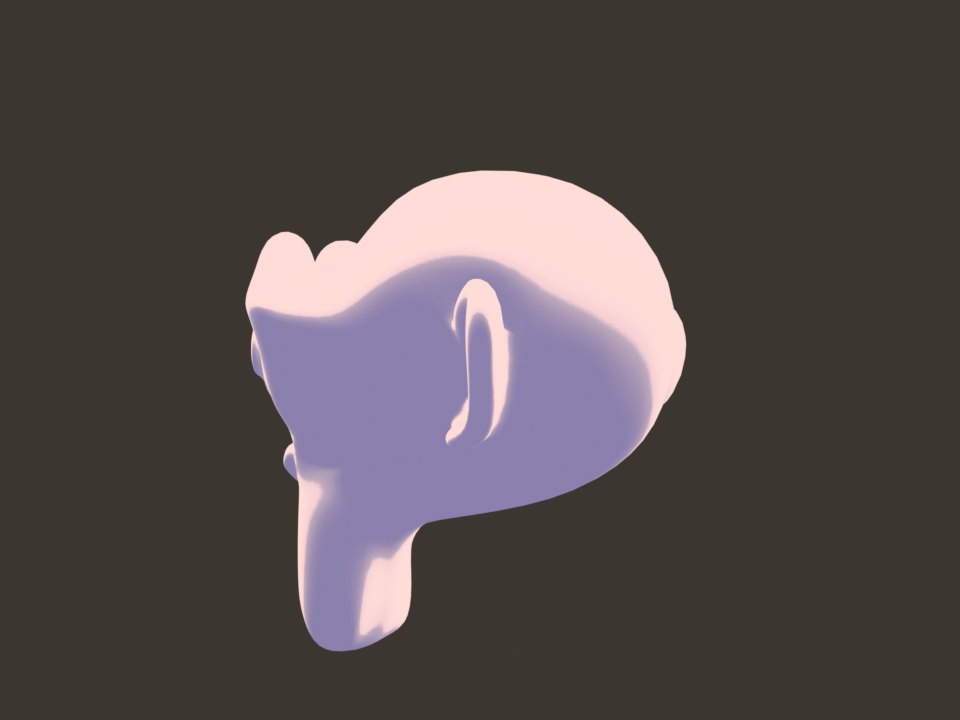
An inverted-hull outline added to any mesh in one click. It works in the viewport and in Cycles and EEVEE, and pairs with every cel style.
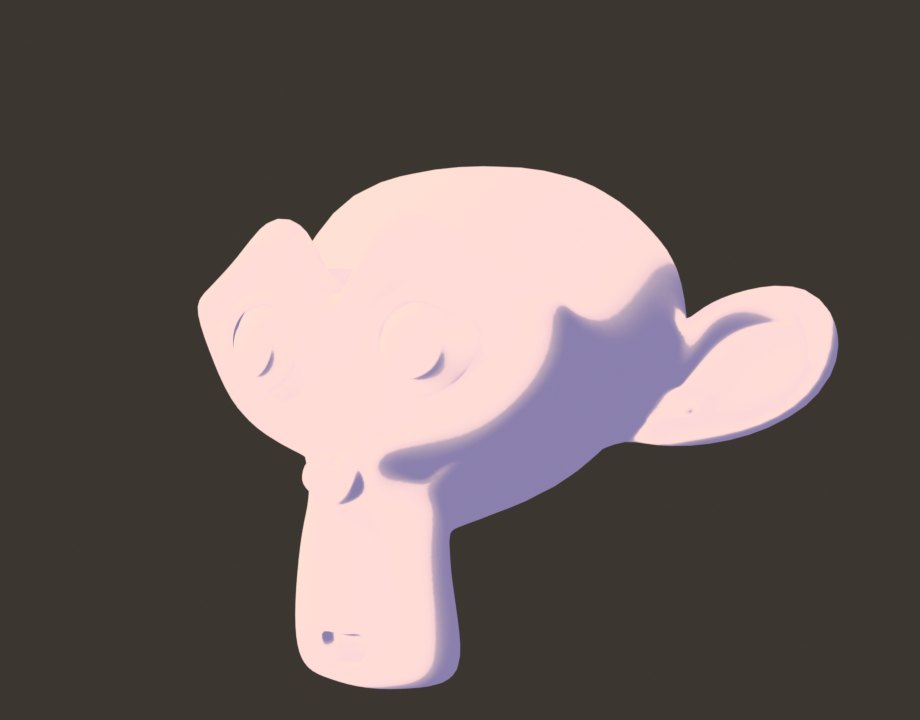
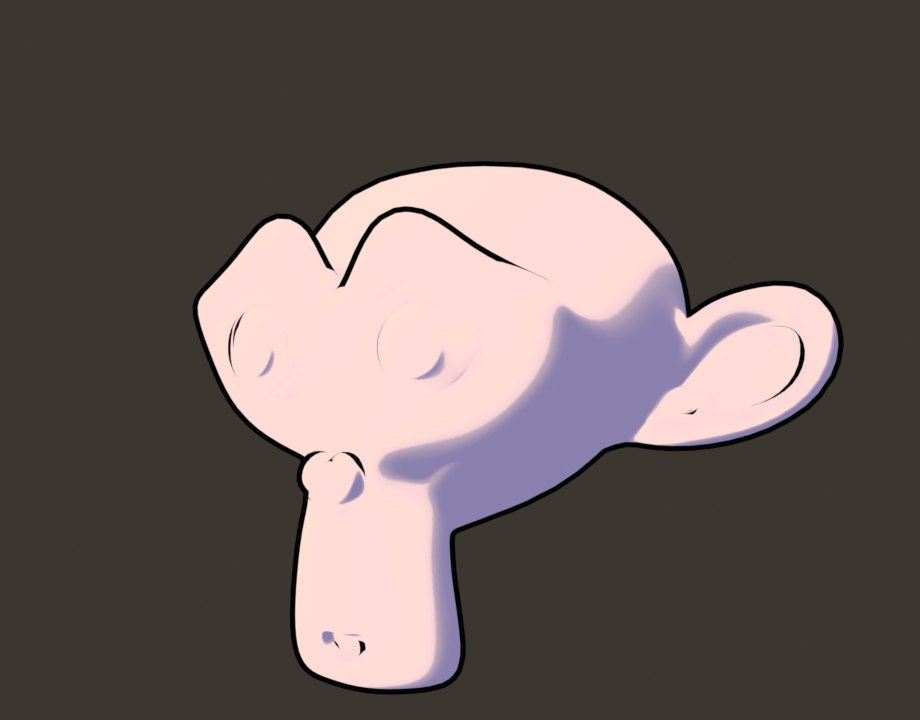 WithoutOutline
Adds a bone chain that fits inside any mesh and makes it jiggle and bend as it moves. Good for antennae, hair, tails and soft props. Included free with the engine.
Velocity-driven smear frames: fast moves stretch the mesh along the motion with speed lines, then snap back when it stops.
Stylized weapon and motion trails that follow anything you animate, with shader styles for slashes, energy and speed.
New in Ensō
Every node below is native, written into Ensō itself, so there are no node groups to append and nothing to break between files. Each one is shown as it looks in the node editor, next to a real render of what it does.
Ensō nodes have a warm gradient header with a soft glow around the node. Stock Blender nodes keep their usual flat header, so you can see at a glance which parts of a material only work in Ensō.
In the shader editor they live under Add › NPR › Ink & Paint. In the compositor, Ensō Outline is under Add › NPR › Filters.
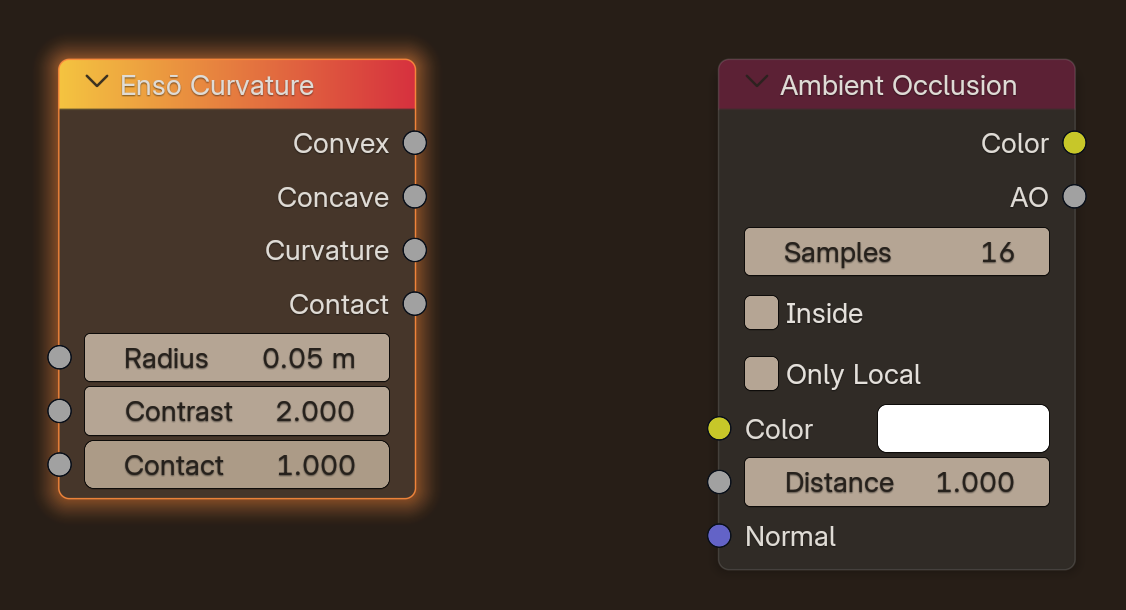
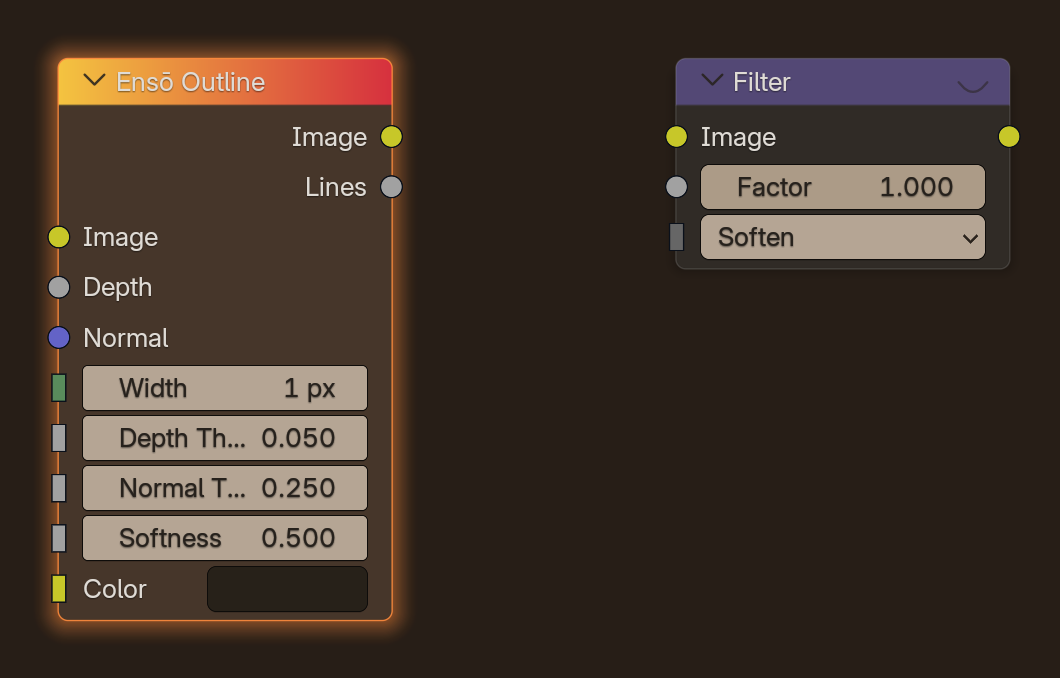
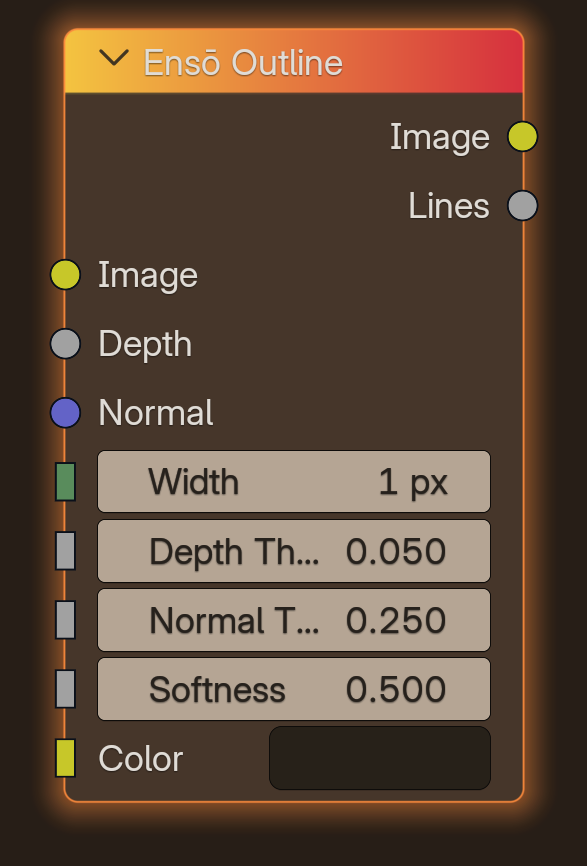
Compositor › NPR › Filters
Draws anime ink lines over your render from the Depth and Normal passes, all in one node. Plug in the Render Layers and you're done.
Shader › NPR › Ink & Paint
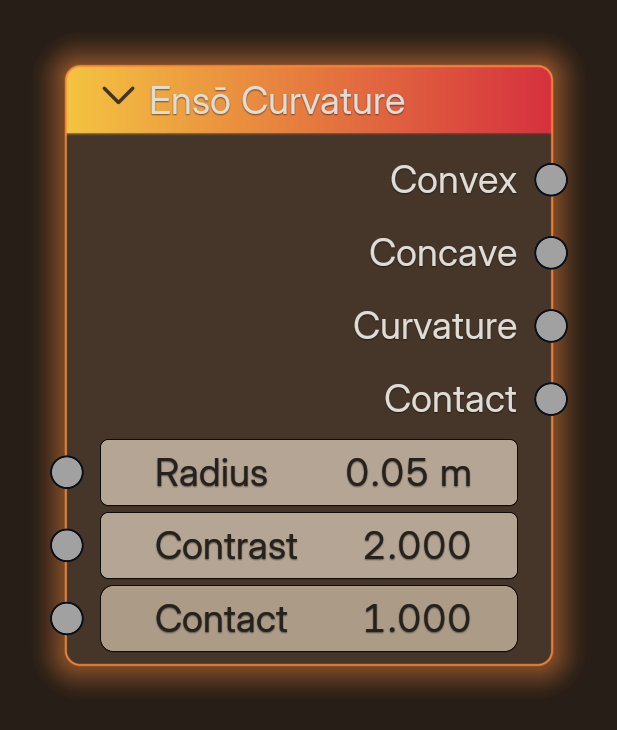
Finds convex edges and concave folds in screen space, live in EEVEE. Contact marks the crease where two separate objects touch.
Shader › NPR › Ink & Paint
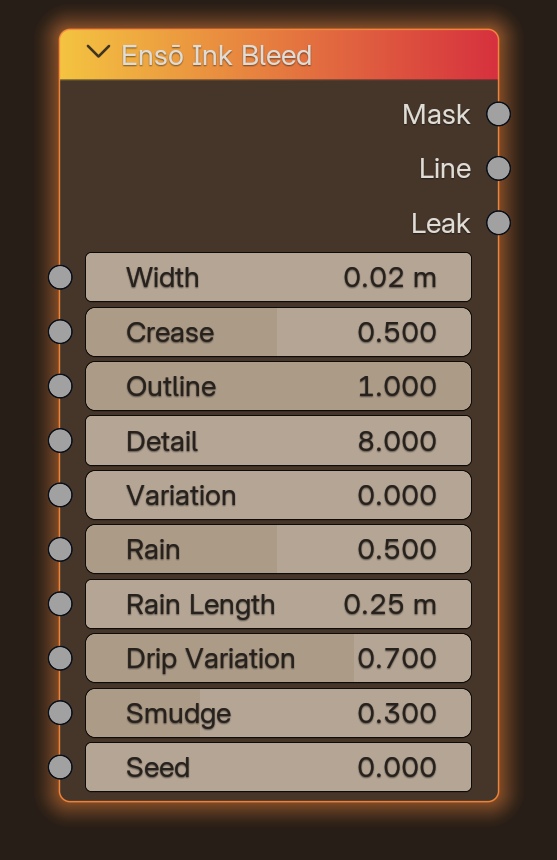
Inks the outlines and creases of a surface and lets the ink run down in drips that wander and taper. Leak gives you the drips on their own.
Shader › NPR › Ink & Paint
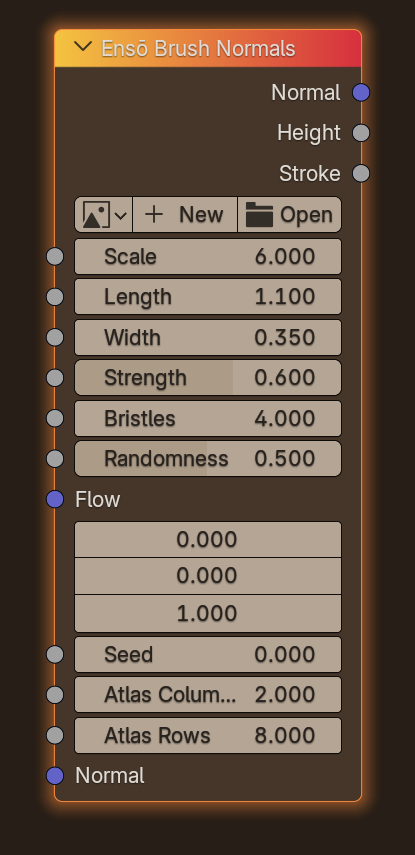
Turns any surface into layered paint strokes by bending its normals. Use the built-in strokes or load your own brush atlas.
Shader › NPR › Ink & Paint
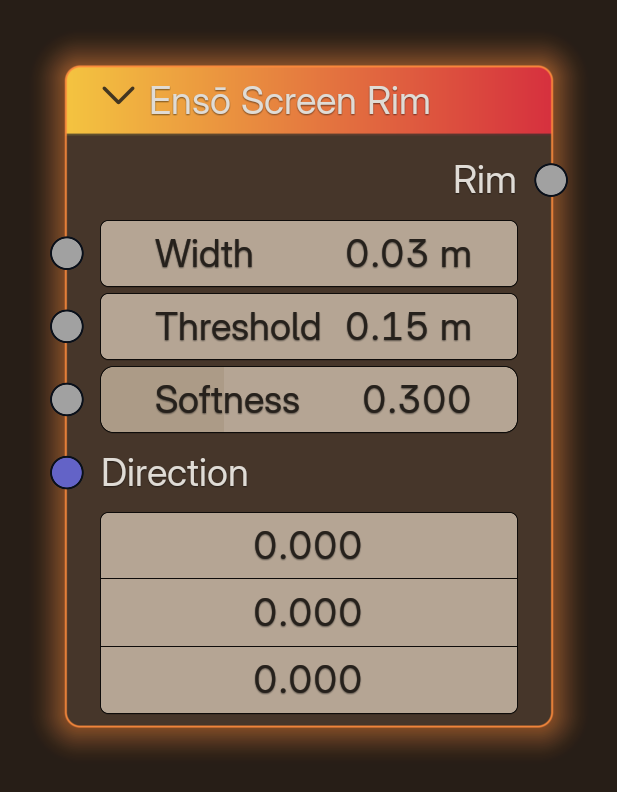
An anime rim light that appears only where the surface ends against something farther away, so it stays a clean band instead of a Fresnel glow.
Shader › NPR › Ink & Paint
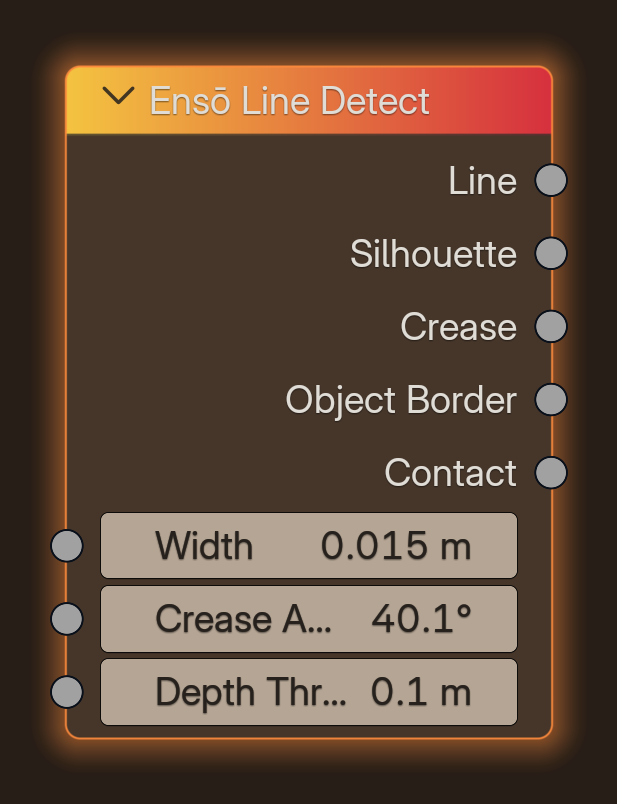
Gives every kind of line its own mask, so you can ink silhouettes thick and creases thin. In the clip silhouette is red, crease blue and contact yellow.
Shader › NPR › Ink & Paint
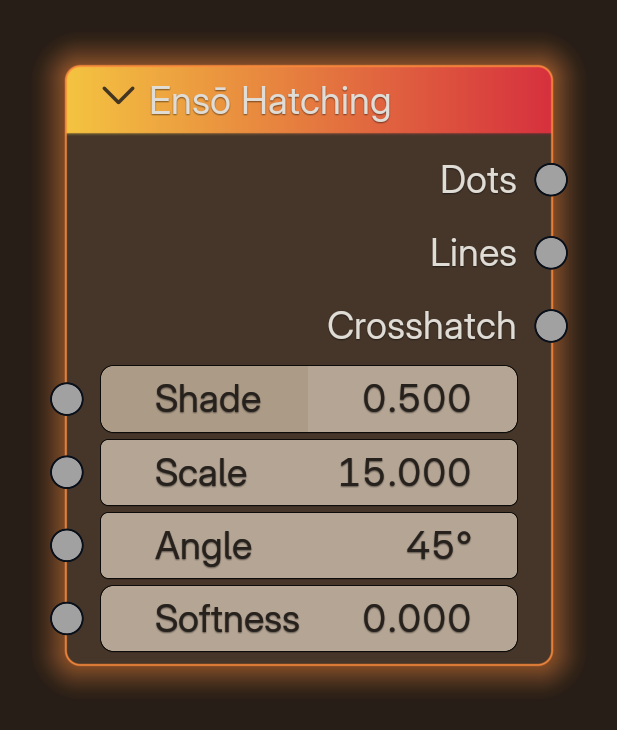
Manga halftone dots, lines and crosshatch driven by any shade value, pinned to the object so the pattern never swims.
Compositor · NPR › Filters
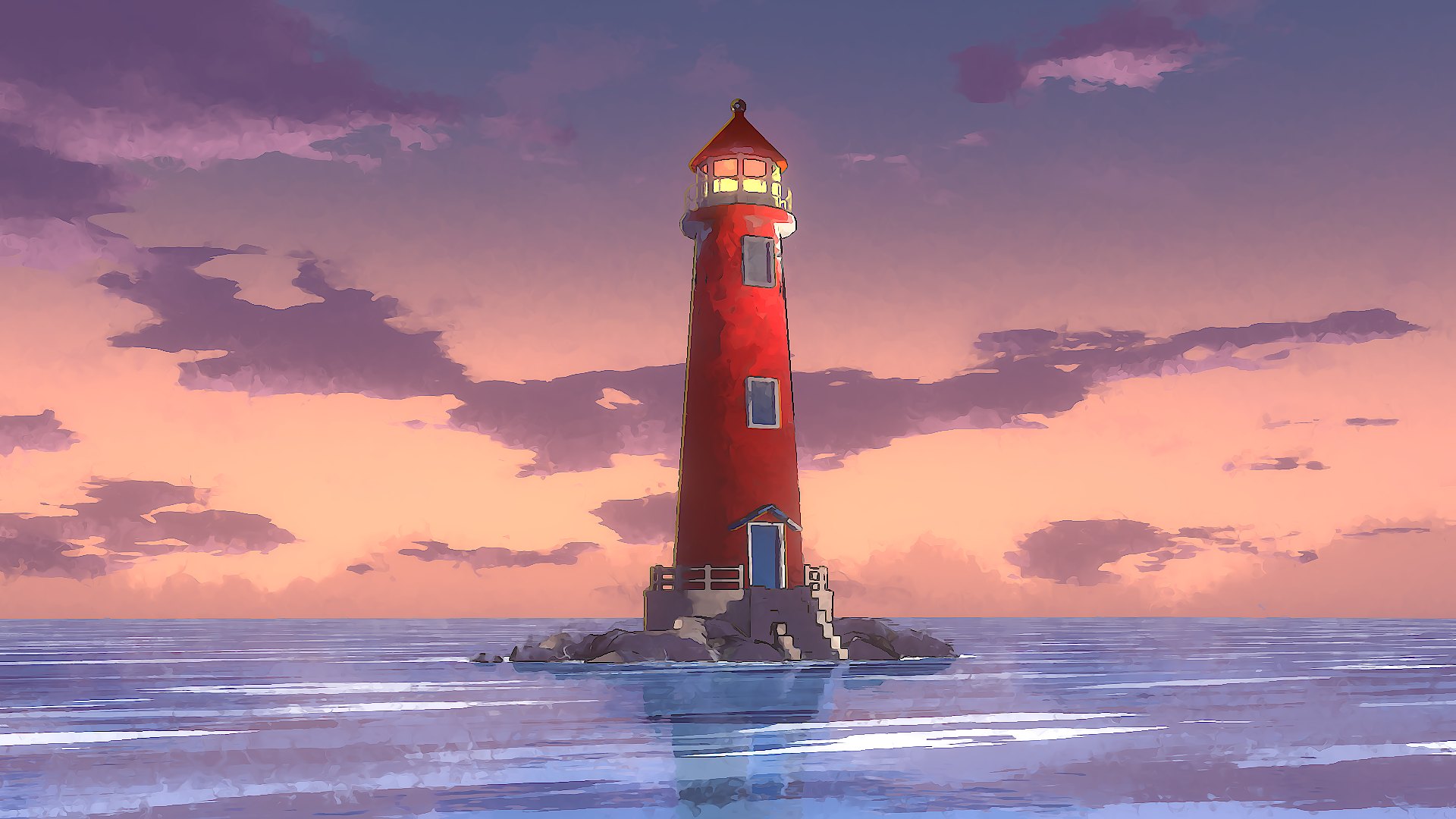
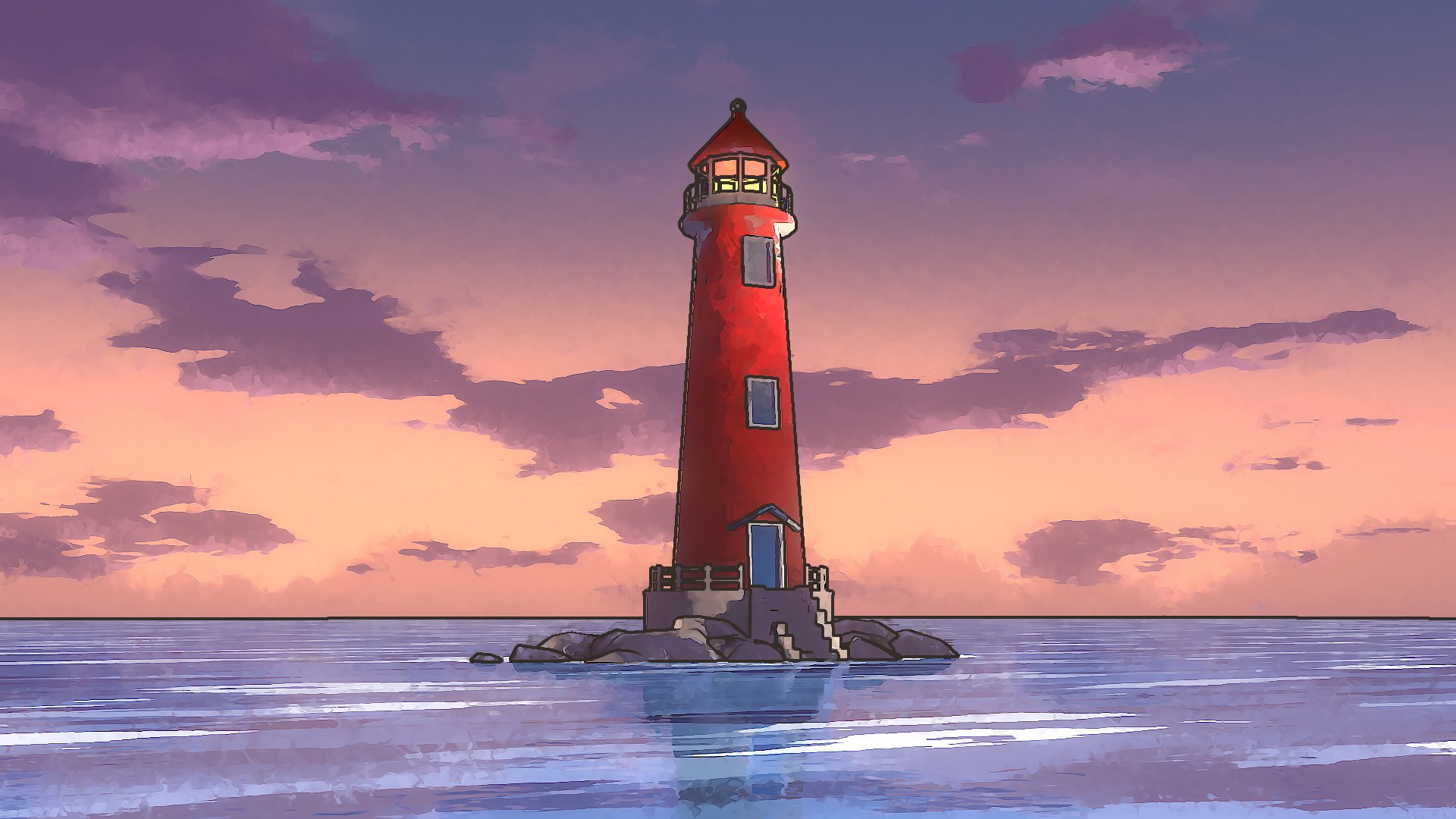
Ensō Outline reads the Depth and Normal passes and inks the render in a single compositor node. No Sobel graphs, no Map Range chains to rebuild in every file.
Depth edges are planar-exact, so floors, roads and open water stay clean all the way to the horizon while silhouettes and folds get a crisp line.
 WithoutEnsō Outline
Shader · Ensō Curvature
Screen-space curvature with even convex and concave bands, live in the EEVEE viewport. No baking and no extra geometry.
The Contact output finds the crease wherever two objects meet, like rocks against a wall or stairs against a base, so separate meshes still read as one painted form.
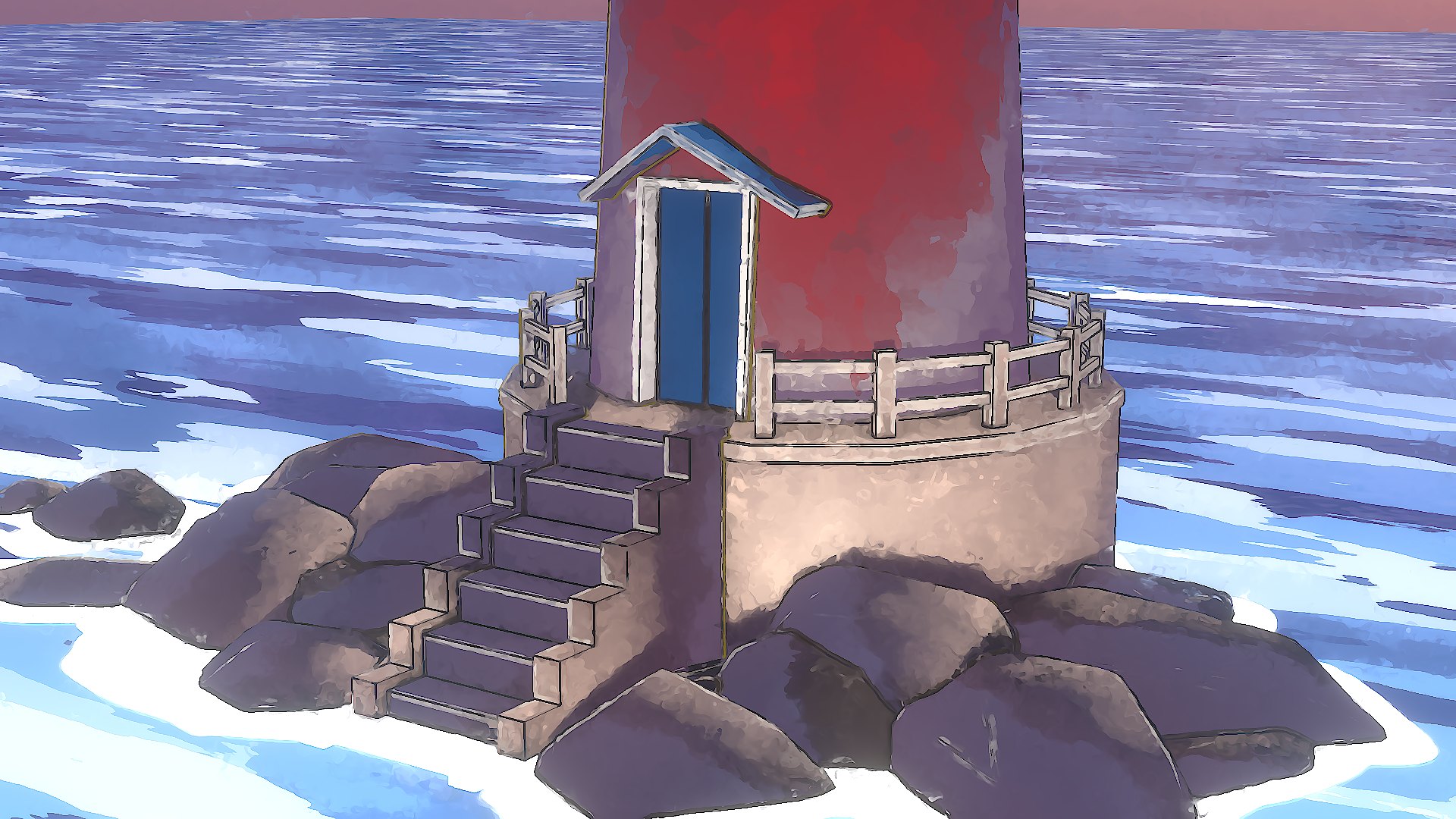
Shader · Ensō Ink Bleed
Ink runs down from your lines, wandering, slanting and tapering to a point. Each run has its own width and length, and none of them end in a bead.
Rain sets how many runs fall, Rain Length how far they travel, and Smudge how much they wander.
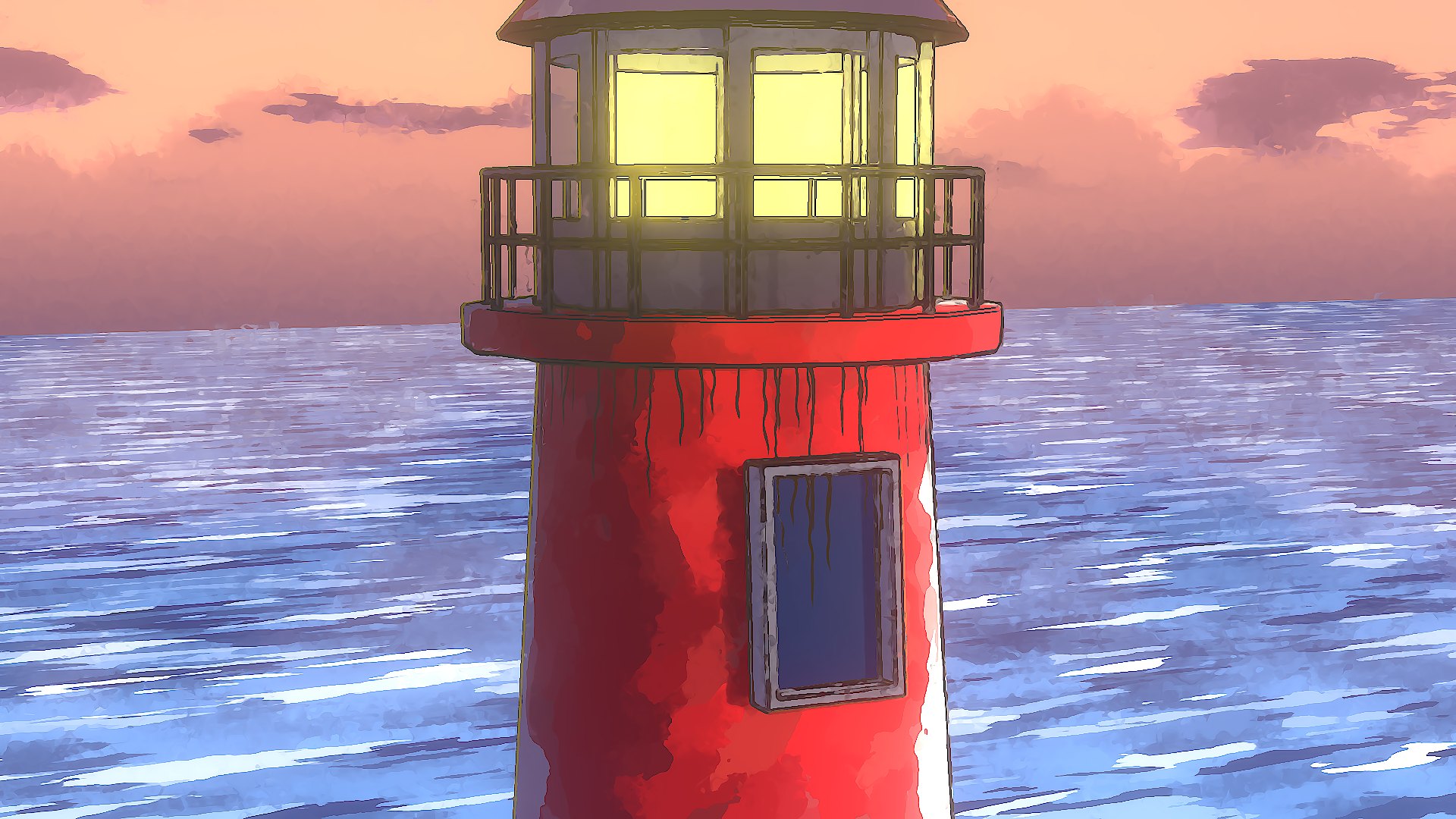
Shader · NPR
Three new shader nodes built on the EEVEE pre-pass. Each one gives you a clean mask to mix into any material, so they work with the shading you already have.
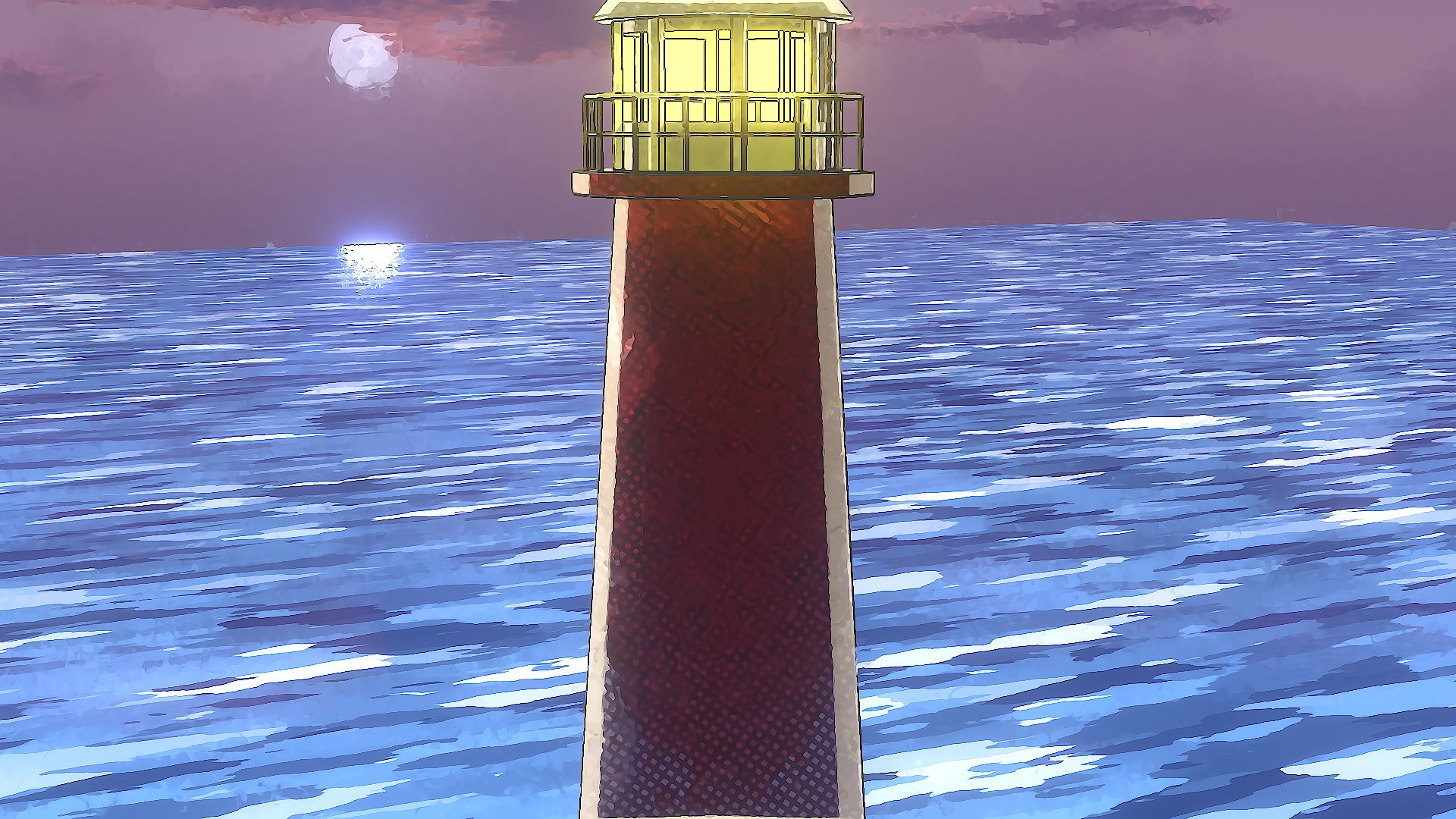
An anime rim light that appears where the surface ends against something farther away, not a Fresnel glow.
Every kind of line as its own mask, so you can ink silhouettes thick and creases thin.
Manga halftone dots, lines and crosshatch driven by a shade value, pinned to the object so the pattern never swims.
Included add-on · MV Text
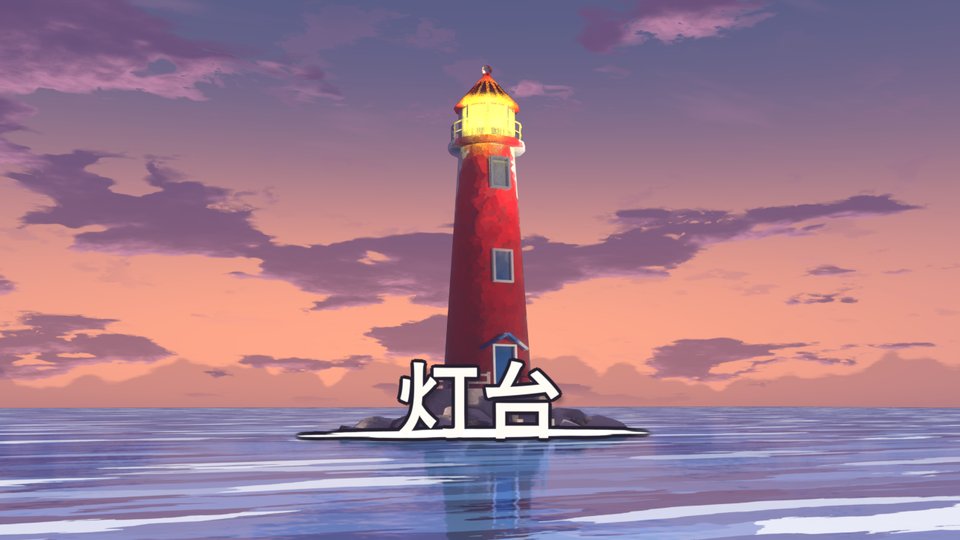
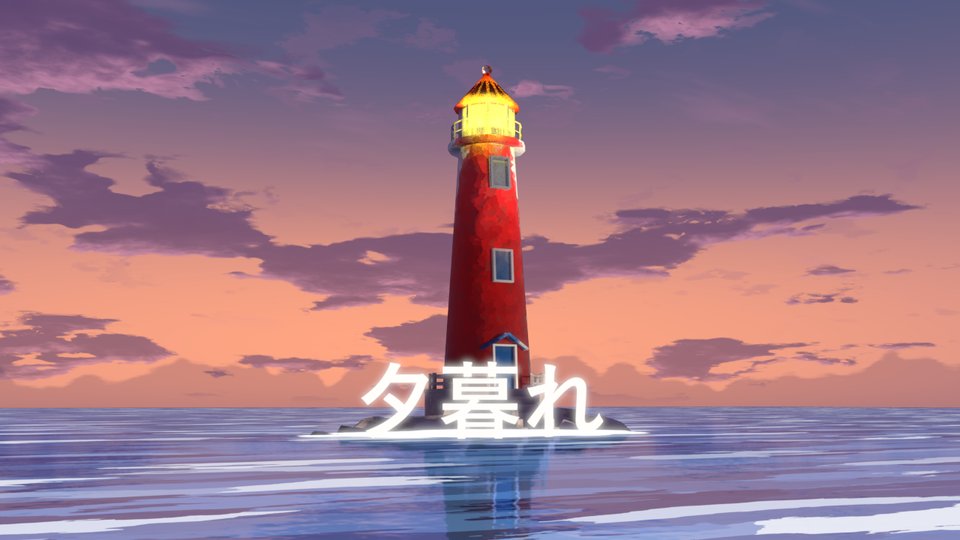
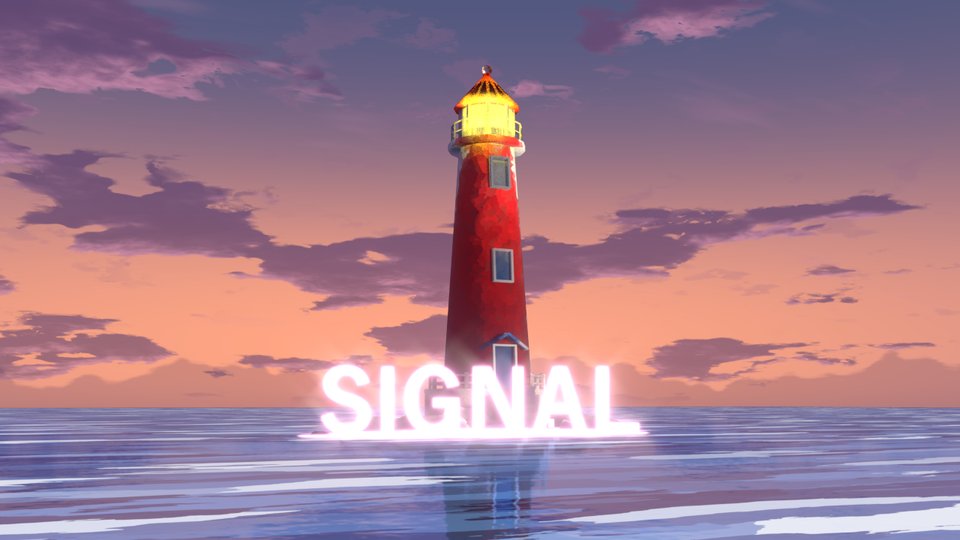
Animated Geometry Nodes text with compositor effects layered over your scene. Pick a preset, type your line, then stack effects on top. Japanese vertical text works out of the box.
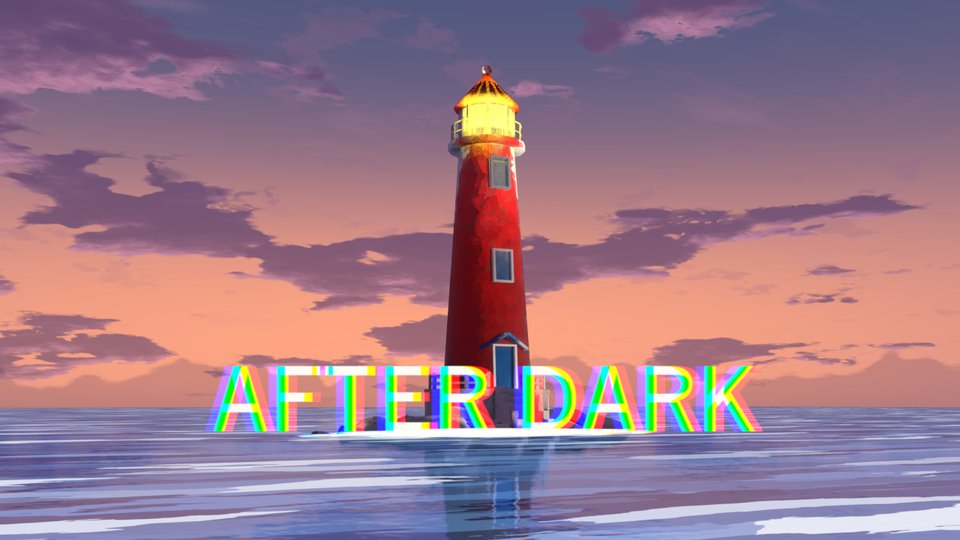
Interface
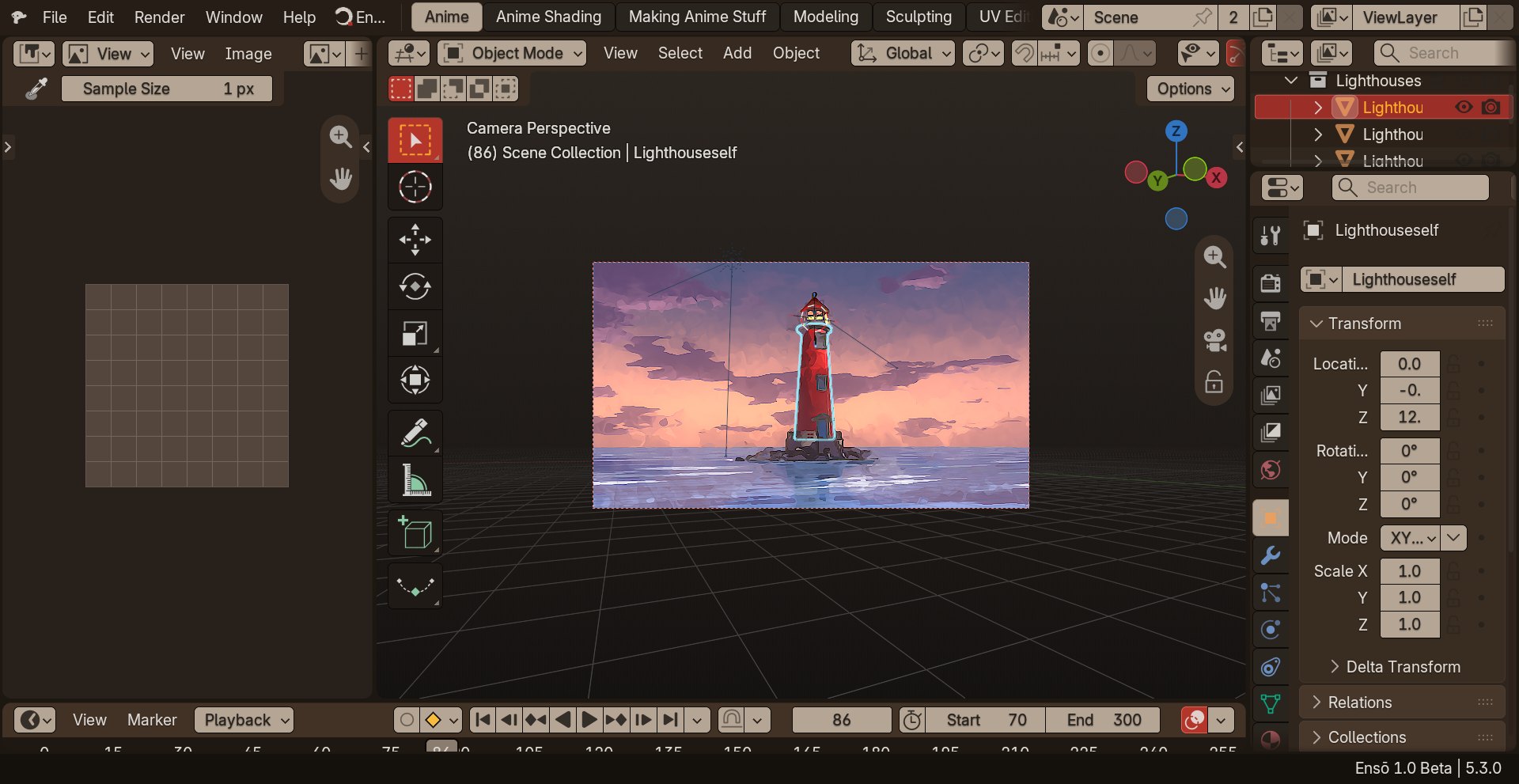
Ensō opens on the Anime and Anime Shading workspaces in the Ink and Paper theme, a warm dark theme made to be easy on the eyes over long sessions.
Everything Ensō adds lives in one top-bar menu and a Shift+E pie in the viewport. Ensō's own nodes carry a soft glowing header, so you can tell them apart from stock nodes at a glance.
Cycles
The beta ships with precompiled Cycles kernels for NVIDIA and AMD, so GPU rendering works on first launch. Intel Arc support is included and prepares its kernels the first time you render. Pick your device in Preferences › System.
| Vendor | Cards | Backend |
|---|---|---|
| NVIDIA | GTX 900 series through RTX 50 series | CUDA · OptiX on RTX cards |
| AMD | Radeon RX 5000 through RX 9000, plus recent Ryzen integrated graphics | HIP · HIP RT for hardware ray tracing |
| Intel | Arc graphics | oneAPI · kernels prepared on first render |
Private beta
The engine is free. This first beta is for Windows 64-bit and is shared with testers directly. Both builds are the same program; choose the one that suits how you work.
Ensō keeps its settings in its own folder, separate from Blender's, so it installs next to your existing Blender without touching it. Based on Blender 5.3. MV Text, Wiggle Bones and the Ensō menus are included.